Latest product updates

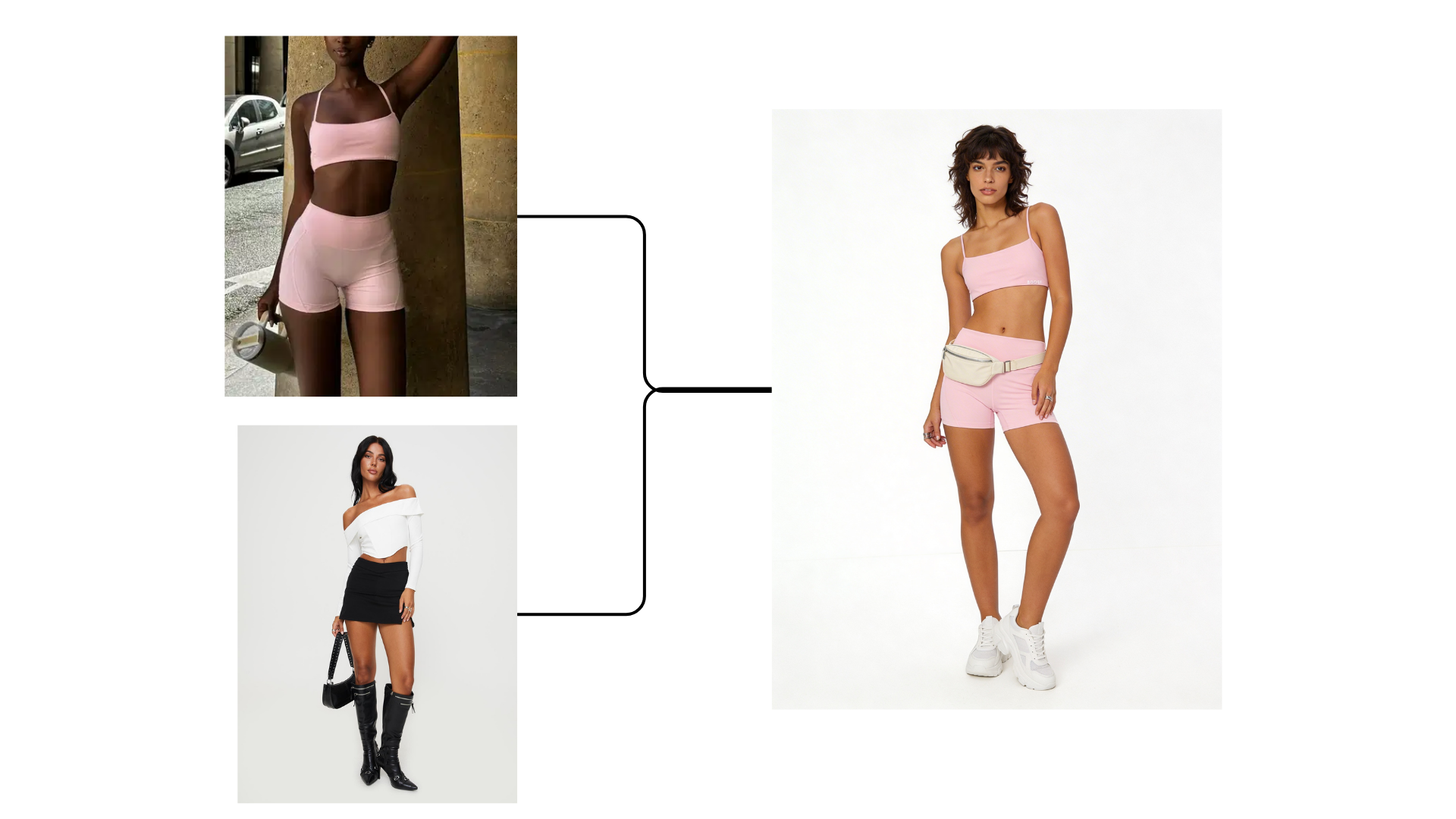
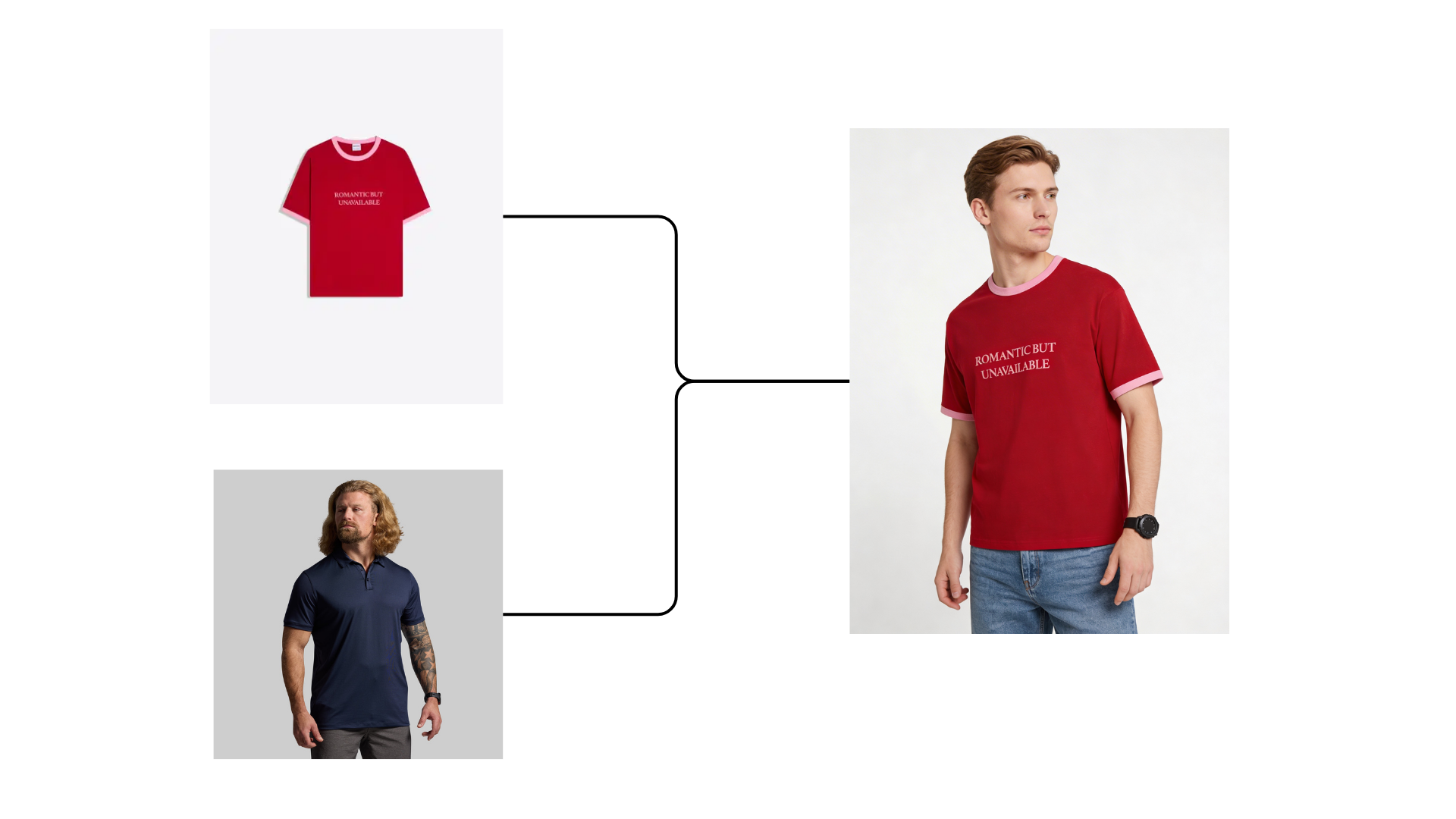
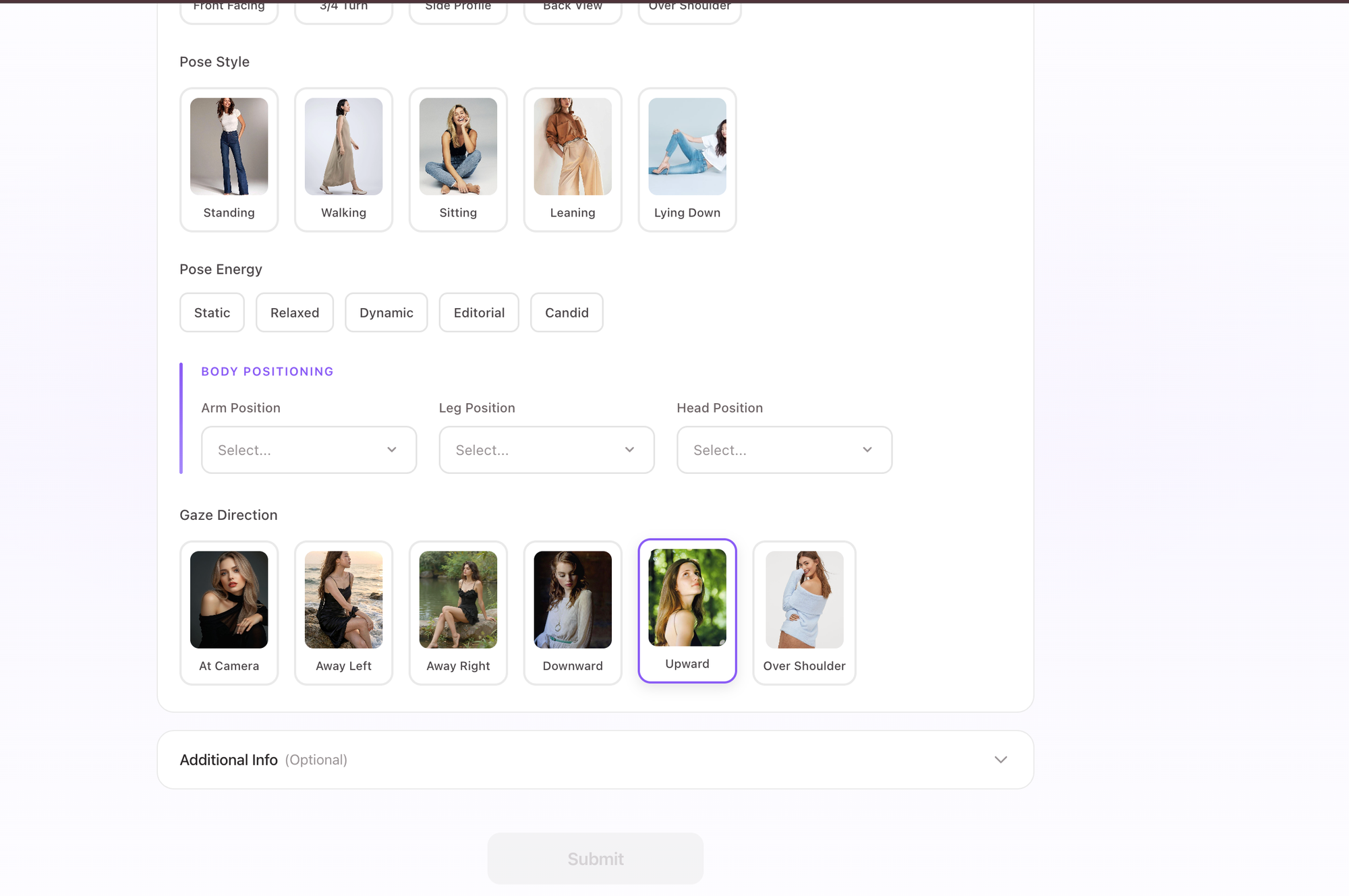
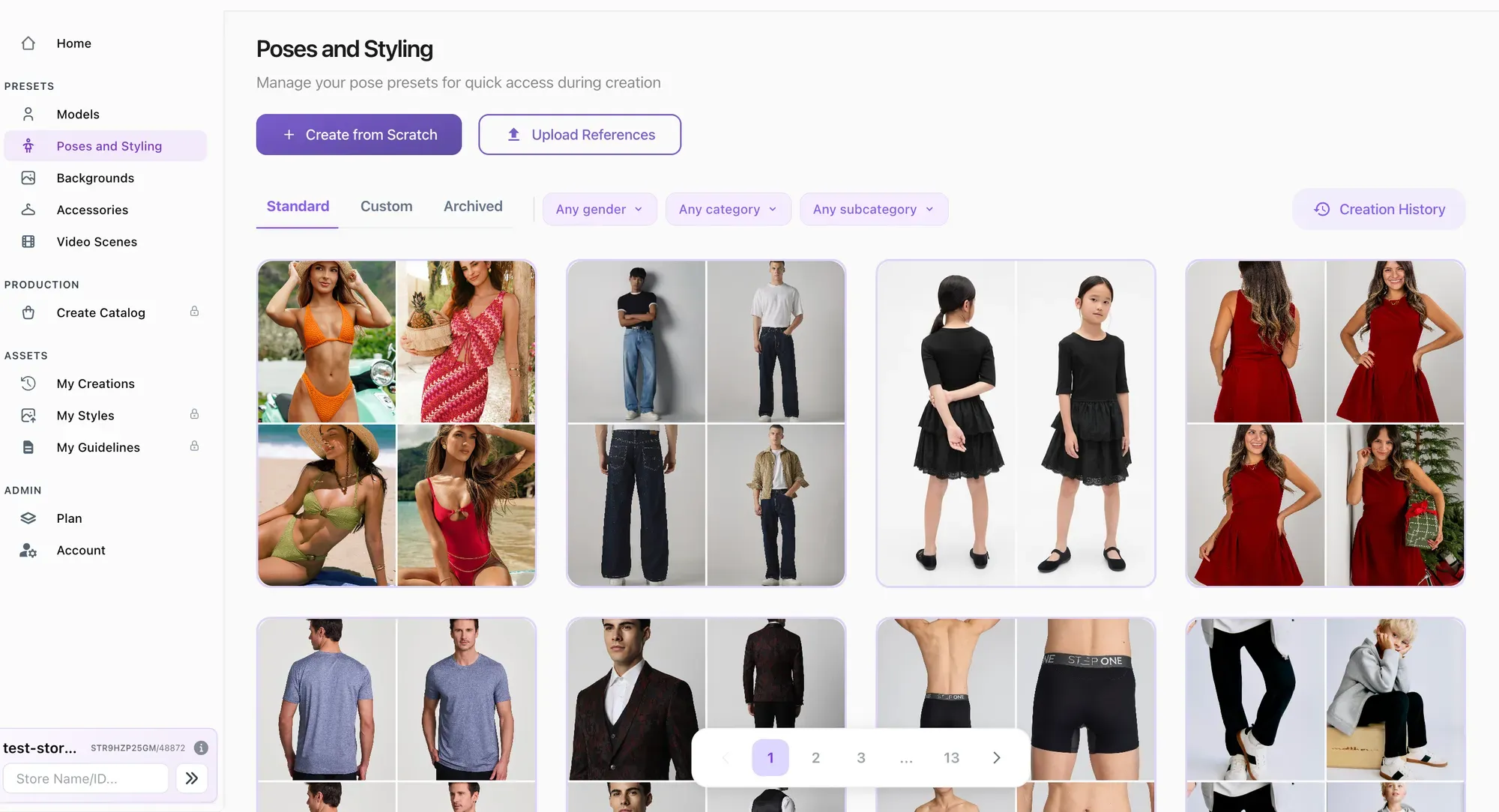
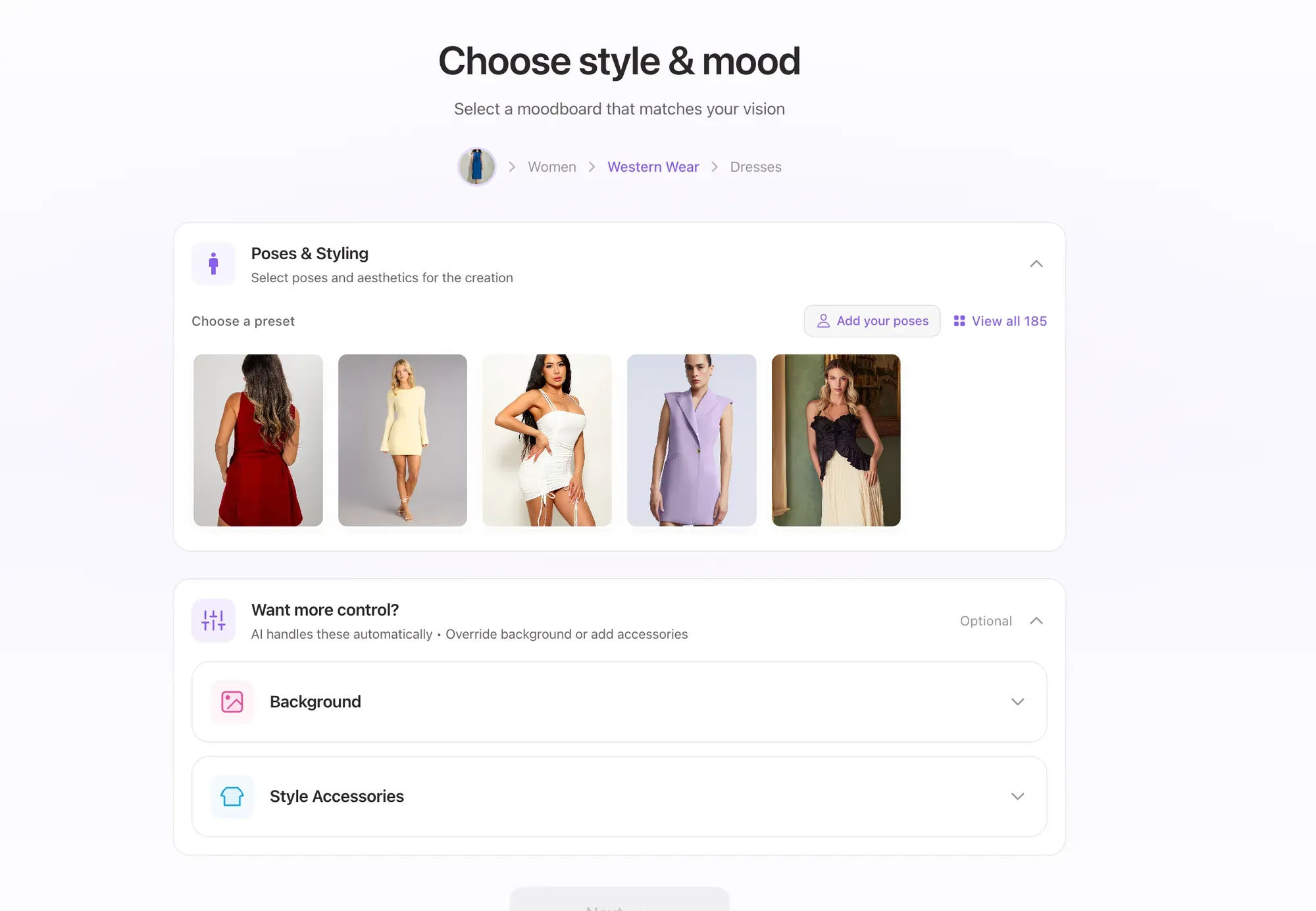
We’ve introduced a dedicated pose creation workflow to help brands generate consistent catalog visuals with more control.

  • Pose Builder Controls
    Define pose style, energy, body positioning, and gaze direction through structured controls designed for fashion catalog use.
  • Reusable Pose Presets
    Save created poses as presets and reuse them across image and video workflows for consistent styling.
  • Editable History
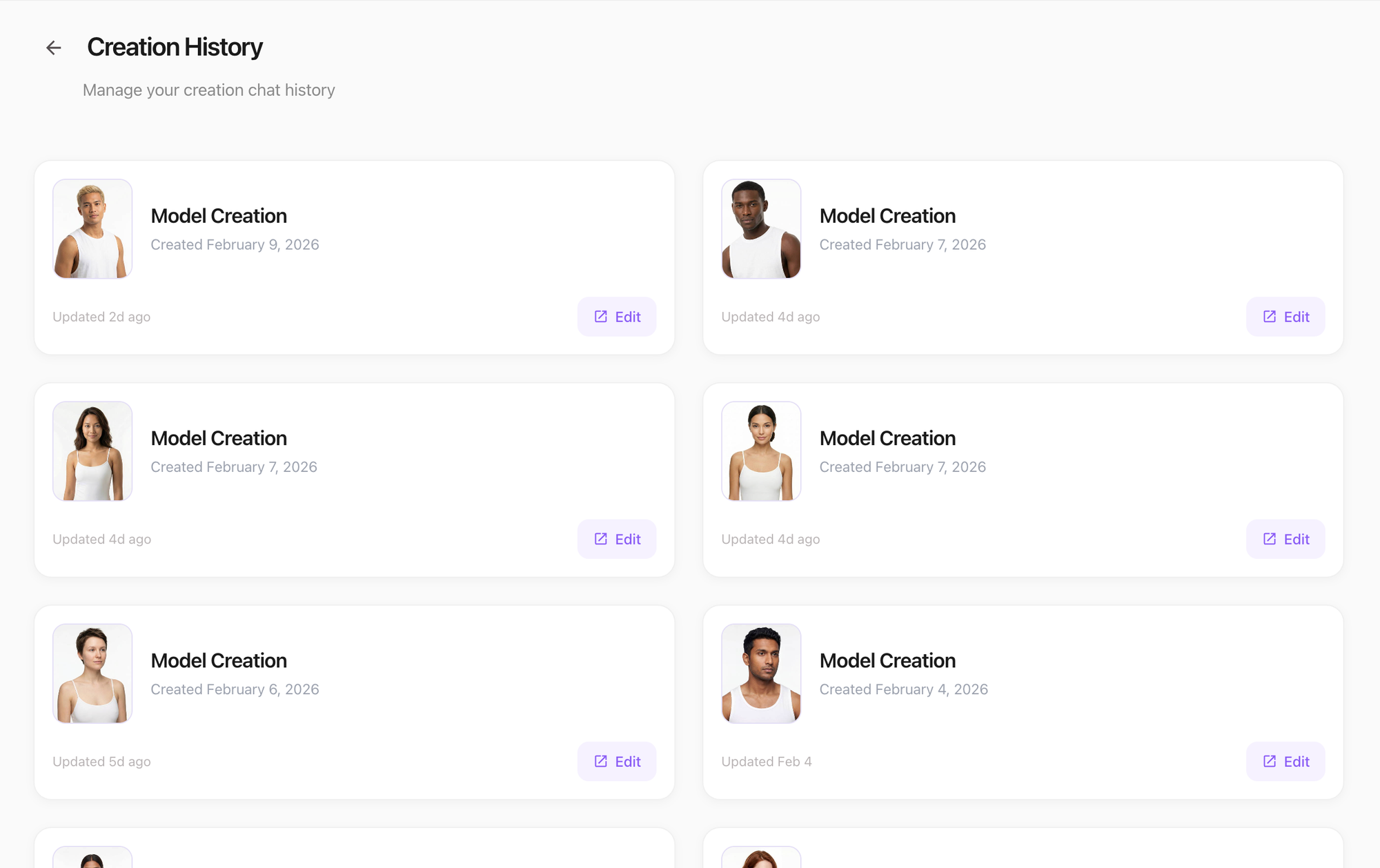
    All generated poses include version history, making it easy to refine or reuse previous outputs.

We’ve updated AI Studio pricing and credit visibility to make usage clearer and upgrades smoother as you scale from images to full video workflows.

New & Improved

  • New Plans Structure
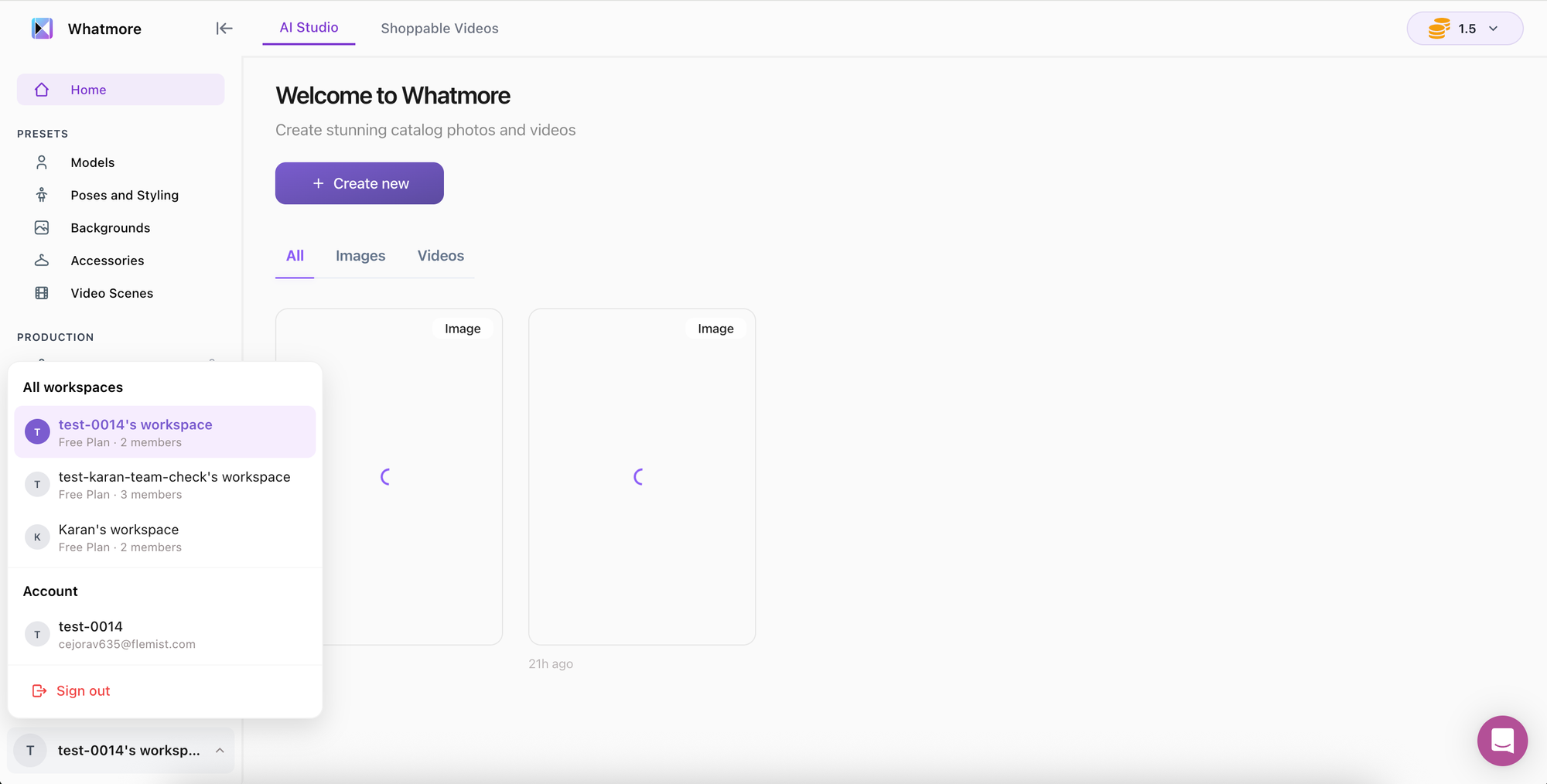
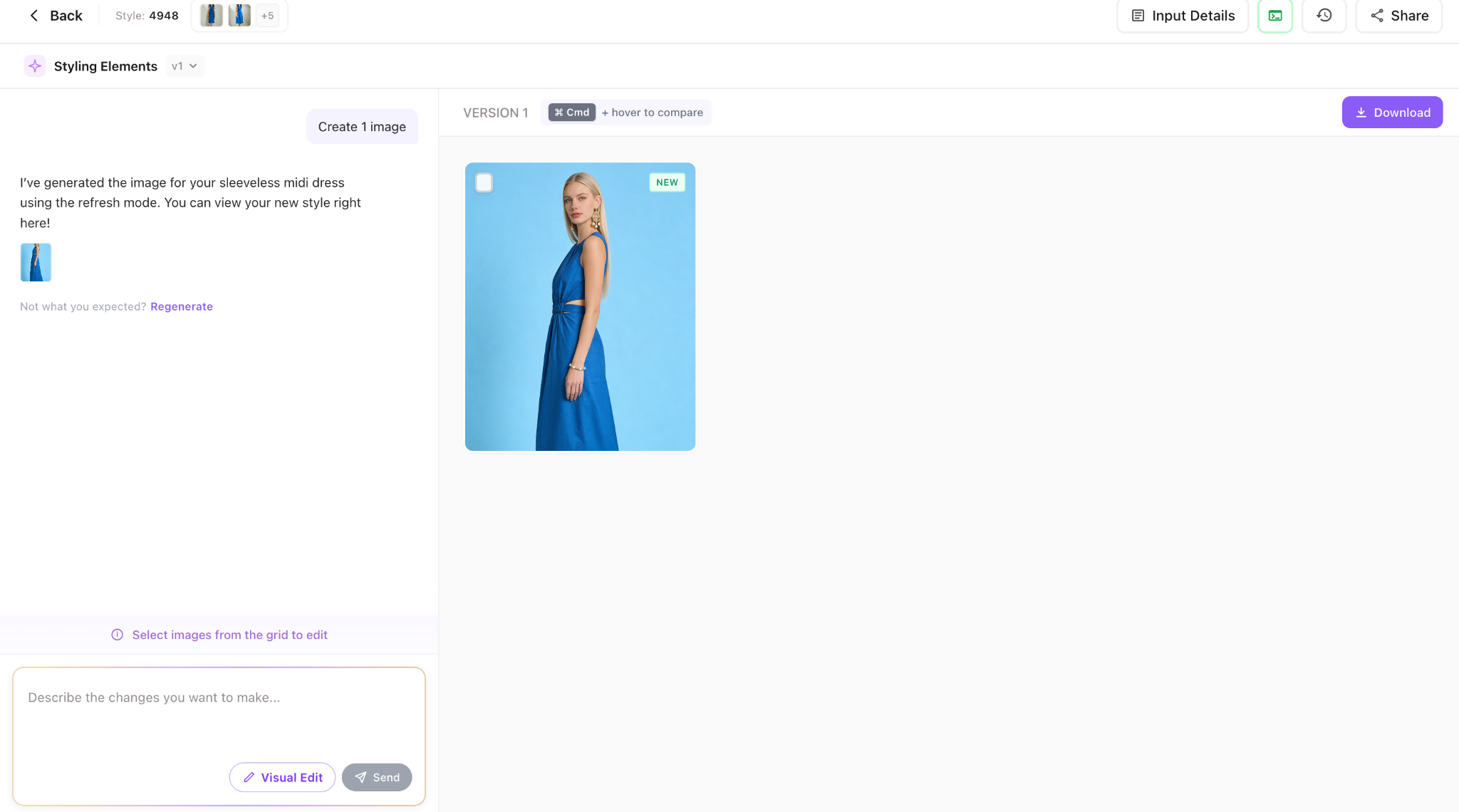
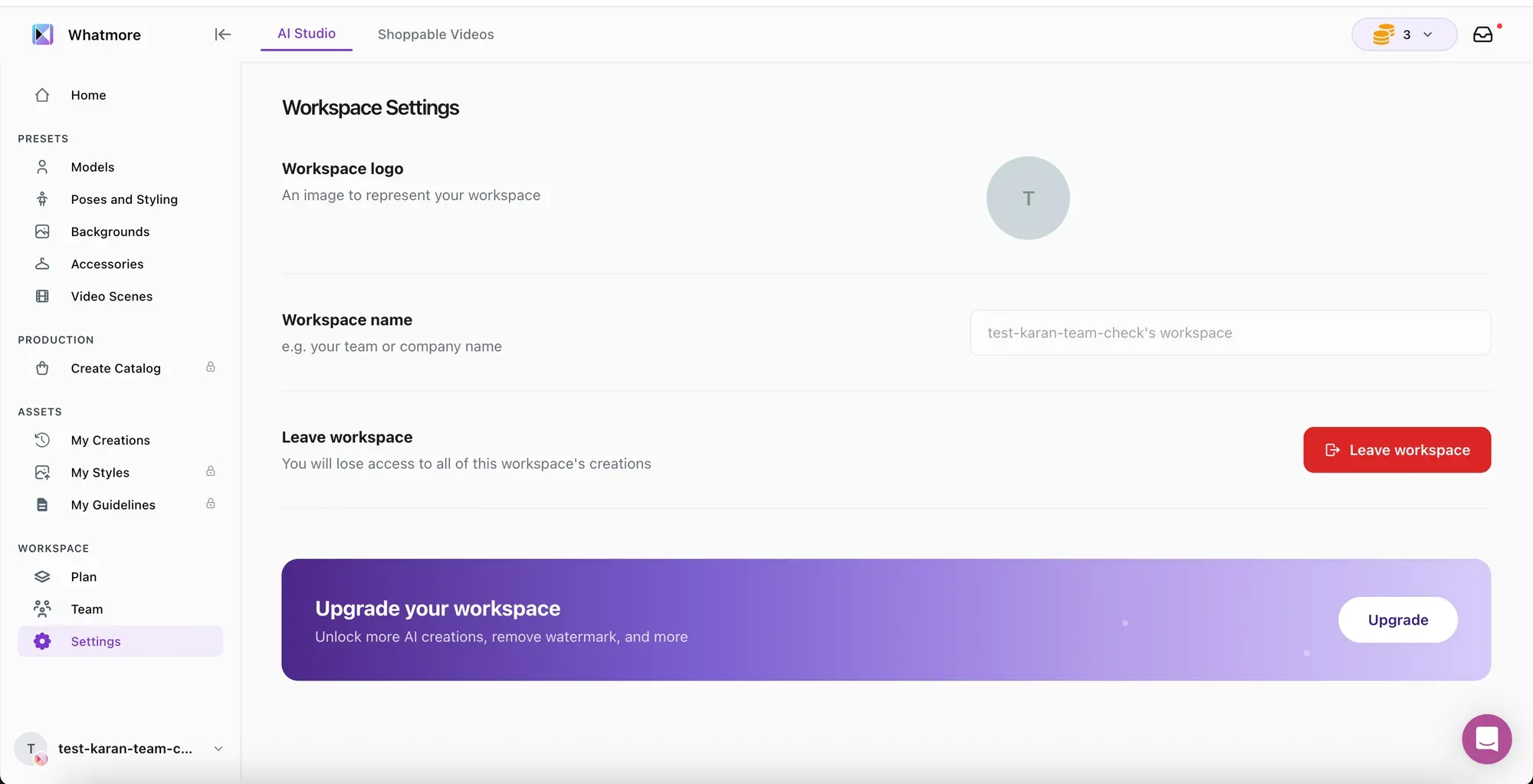
    AI Studio now offers four plans — Free, Pro, Business, and Enterprise. Enterprise users can access custom Studio Core plans tailored to specific workflow needs.
  • Clear Credit Visibility
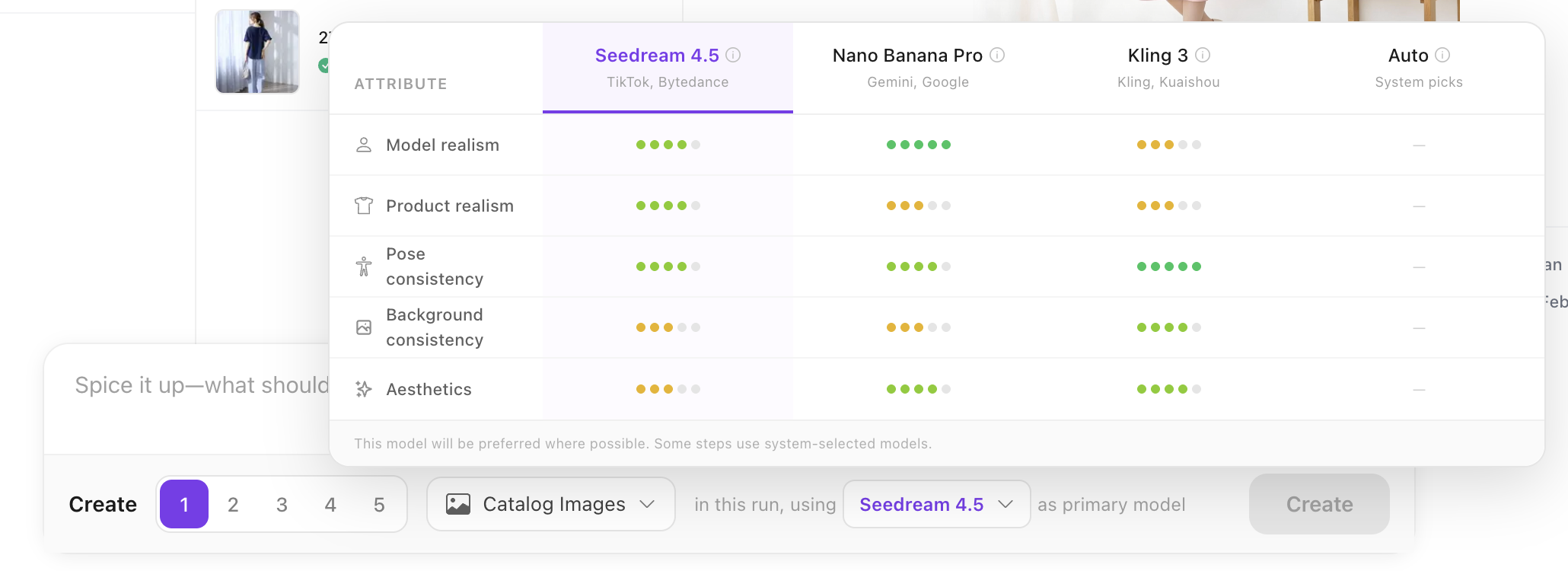
    Estimated credit usage is shown before generation across images, videos, models, and poses. If credits run low, upgrade prompts appear directly within the workflow.
  • Free vs Paid Access
    The Free plan supports image generation with watermarking. Video creation and additional capabilities unlock on paid plans.
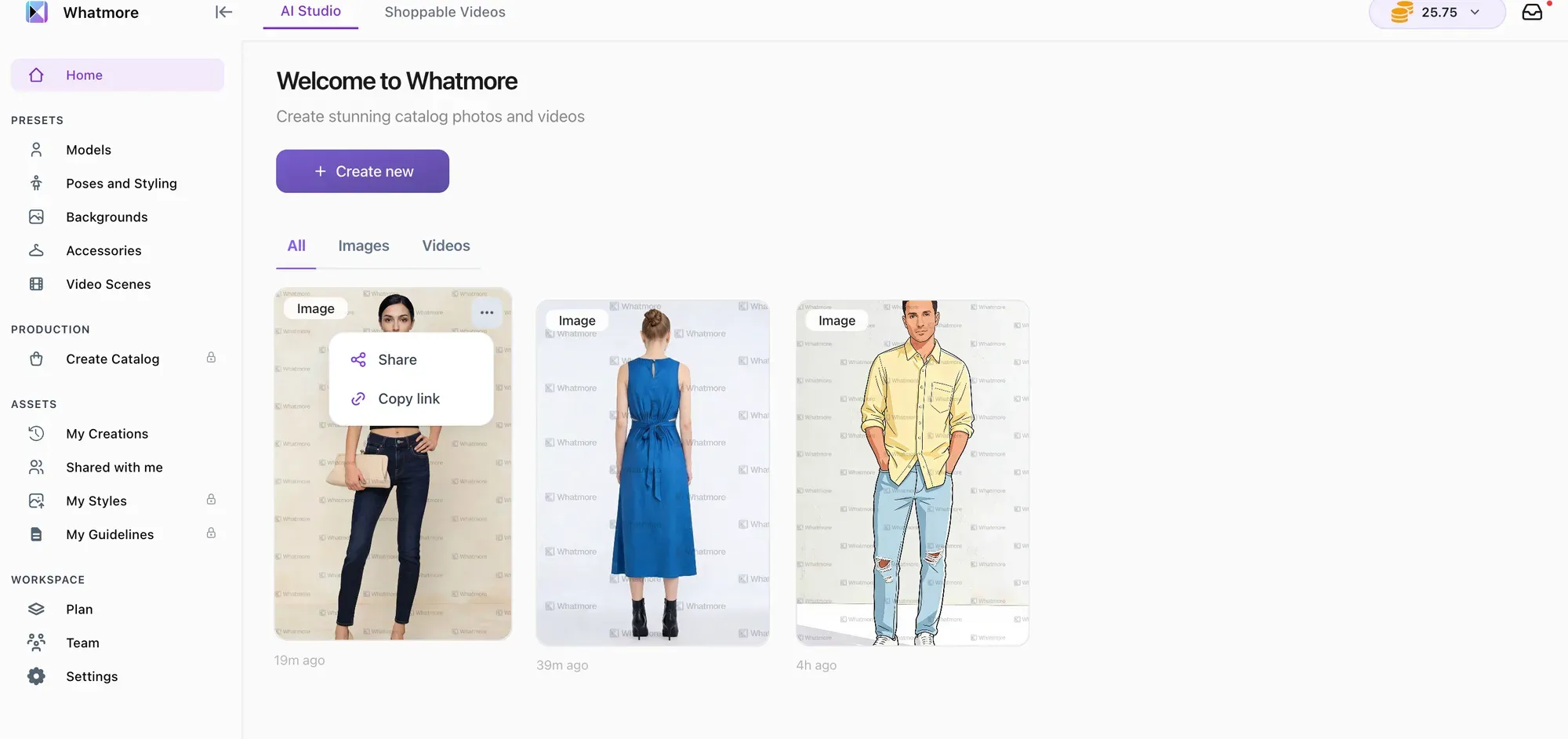
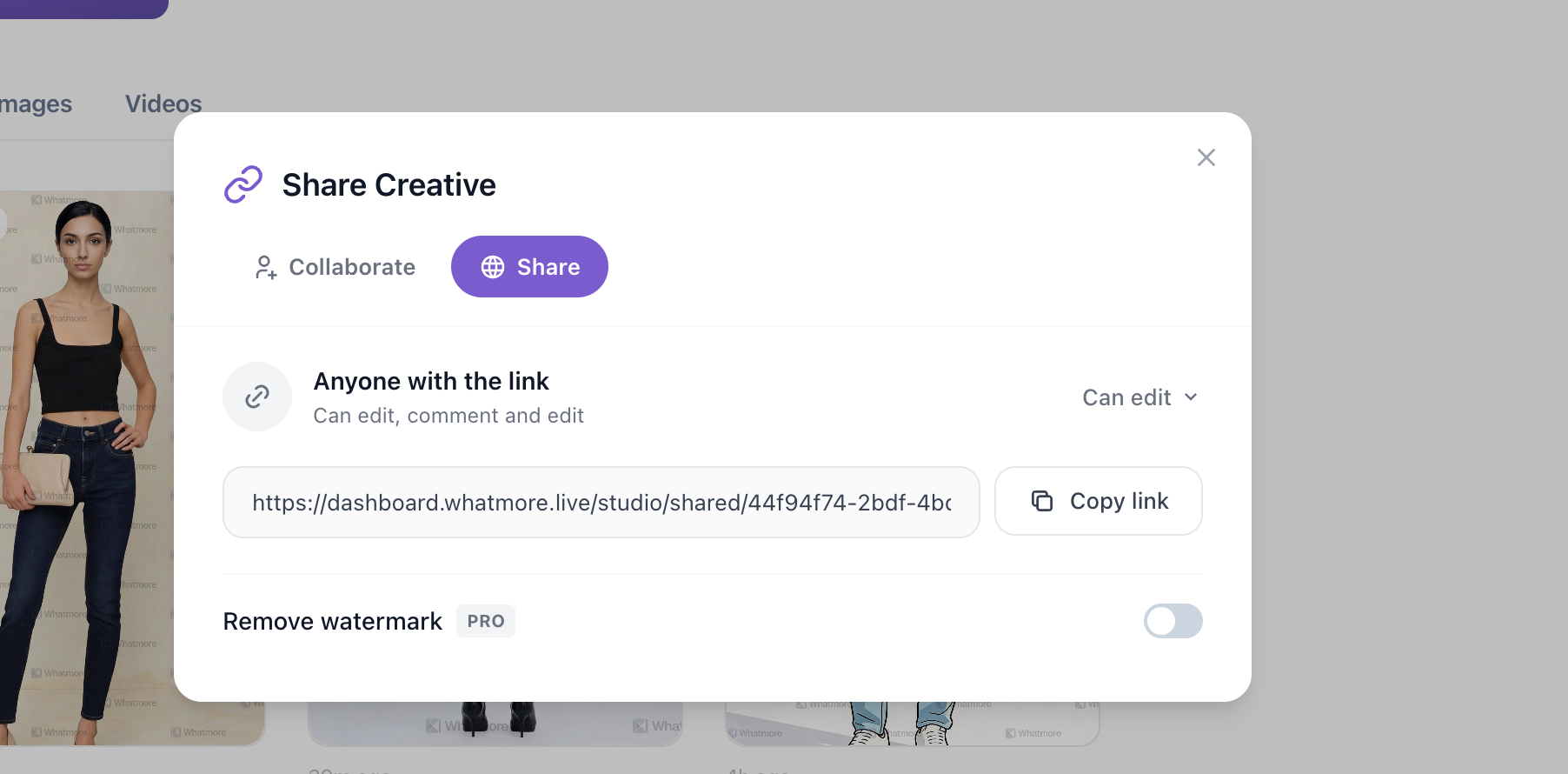
  • Download Without Watermark
    Paid users can download outputs without watermark directly from conversations.

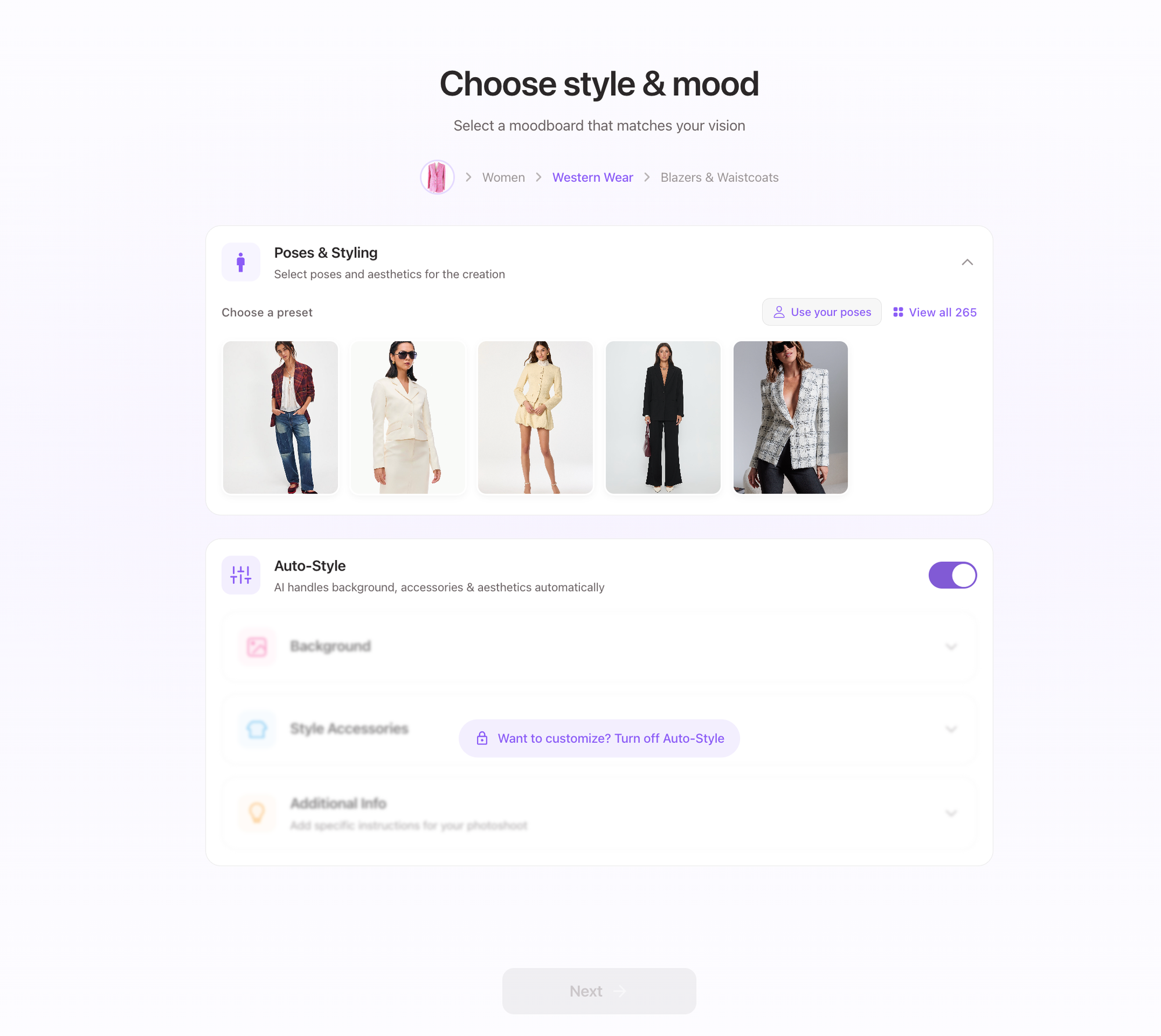
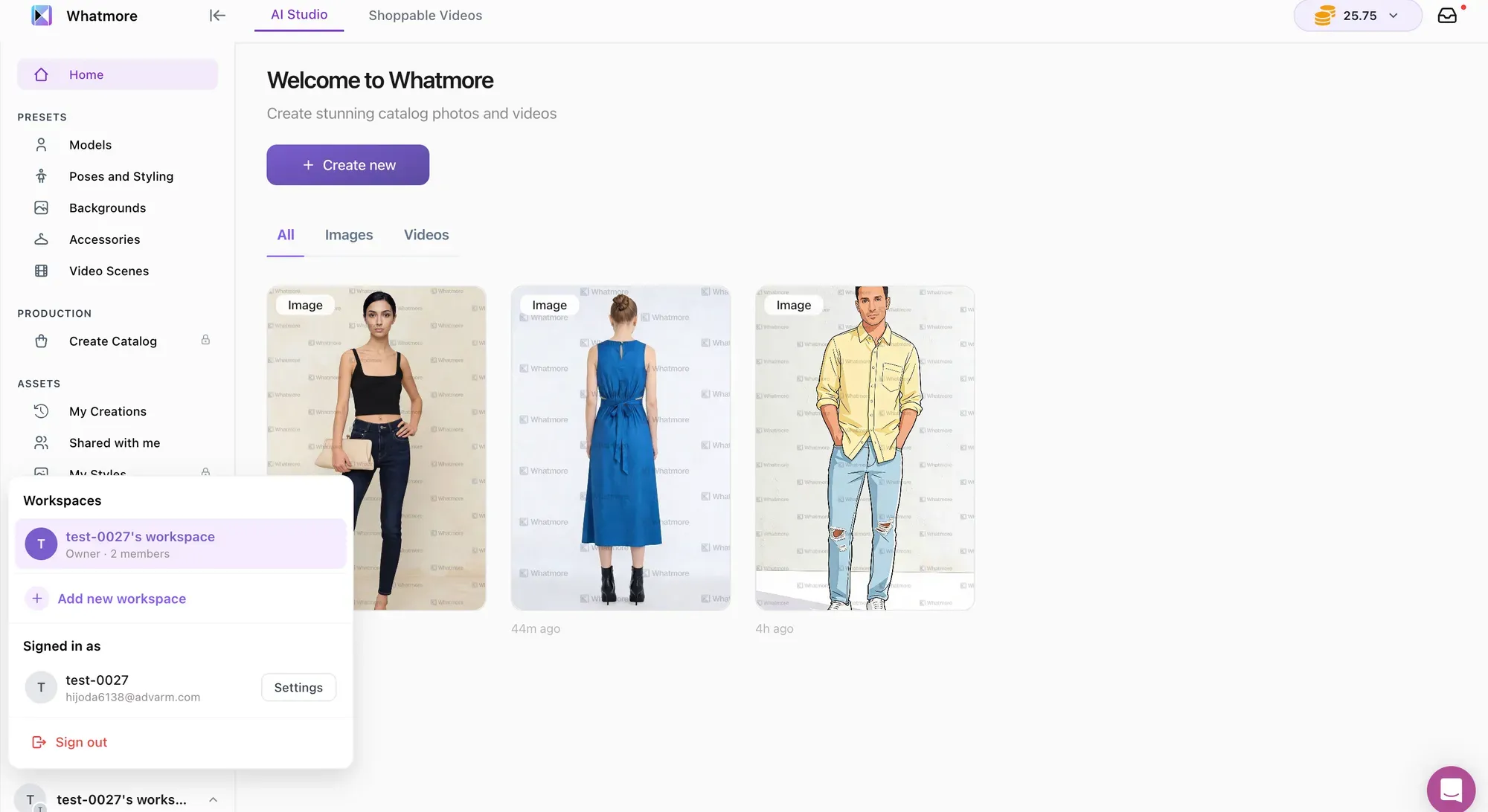
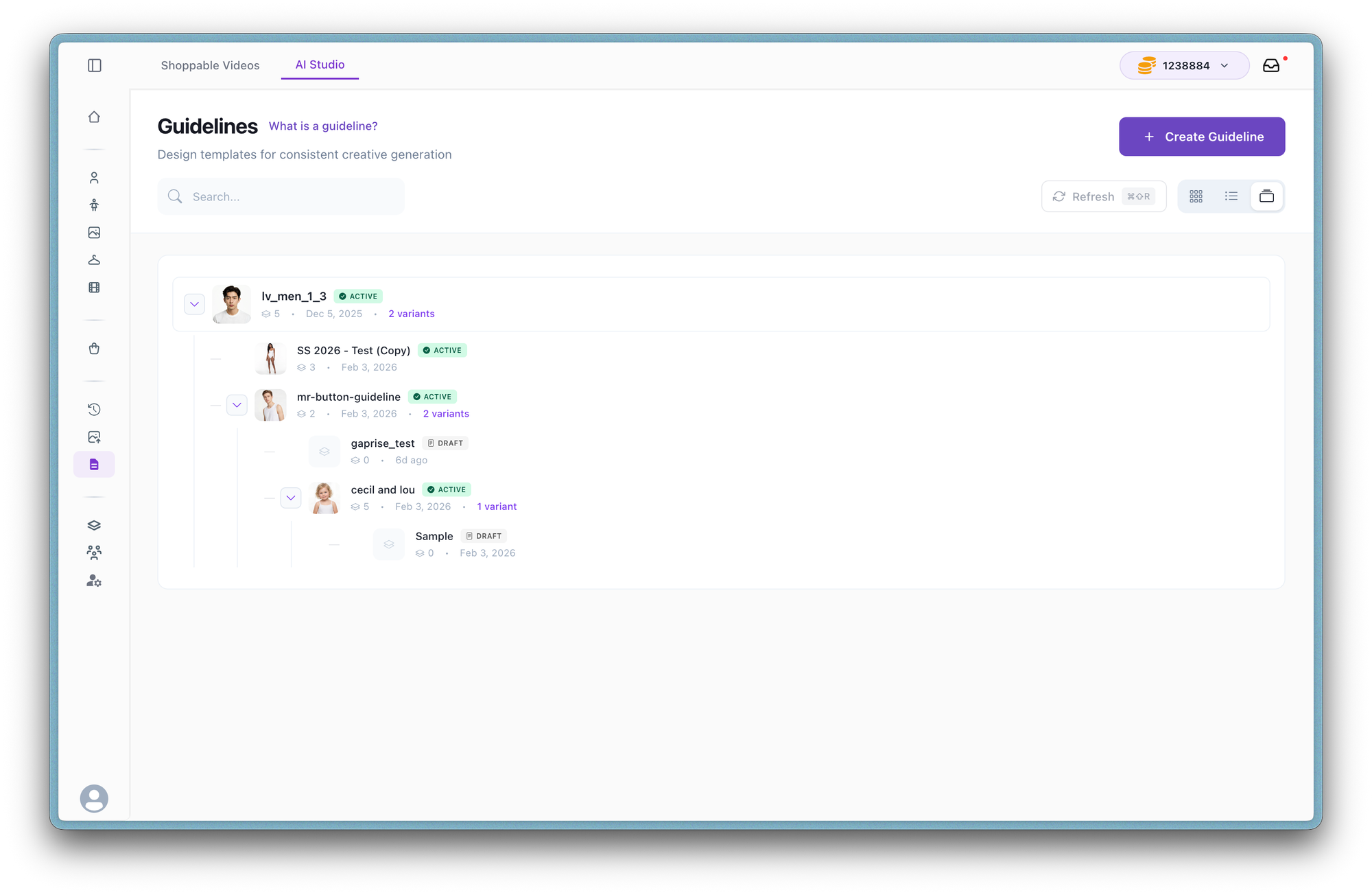
Presets are now more central to AI Studio workflows. You can use standard presets for faster generation or create custom presets for consistent brand visuals across images and videos.

New & Improved

  • Standard Presets Across Workflows
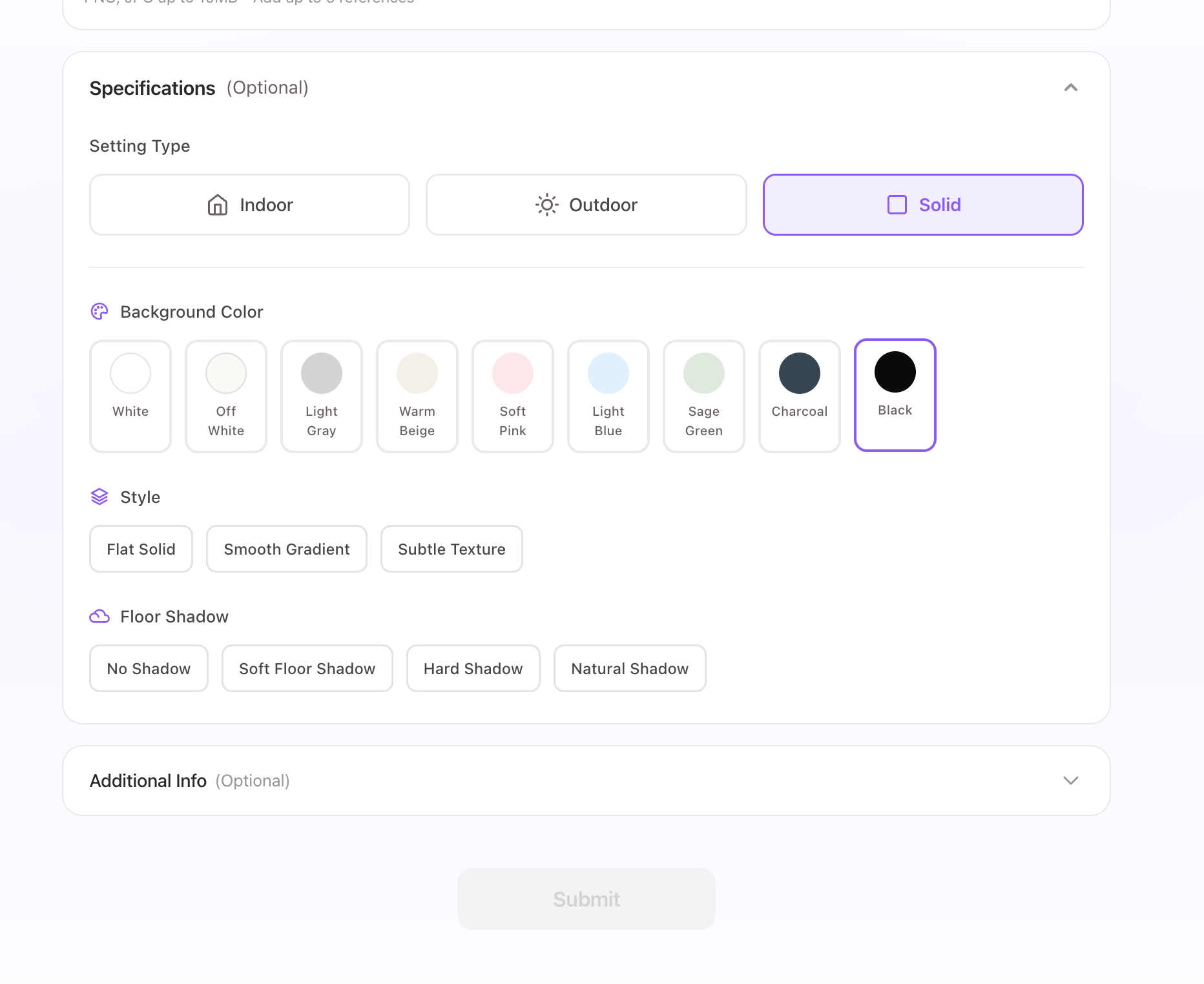
    Pre-built presets for models, poses, backgrounds, accessories, and video scenes are now accessible across creation flows, helping teams generate catalog content faster with consistent styling.
  • Custom Preset Creation
    You can now create and save your own presets across models, poses, backgrounds, accessories, and video scenes. These can be reused across projects to maintain brand consistency.
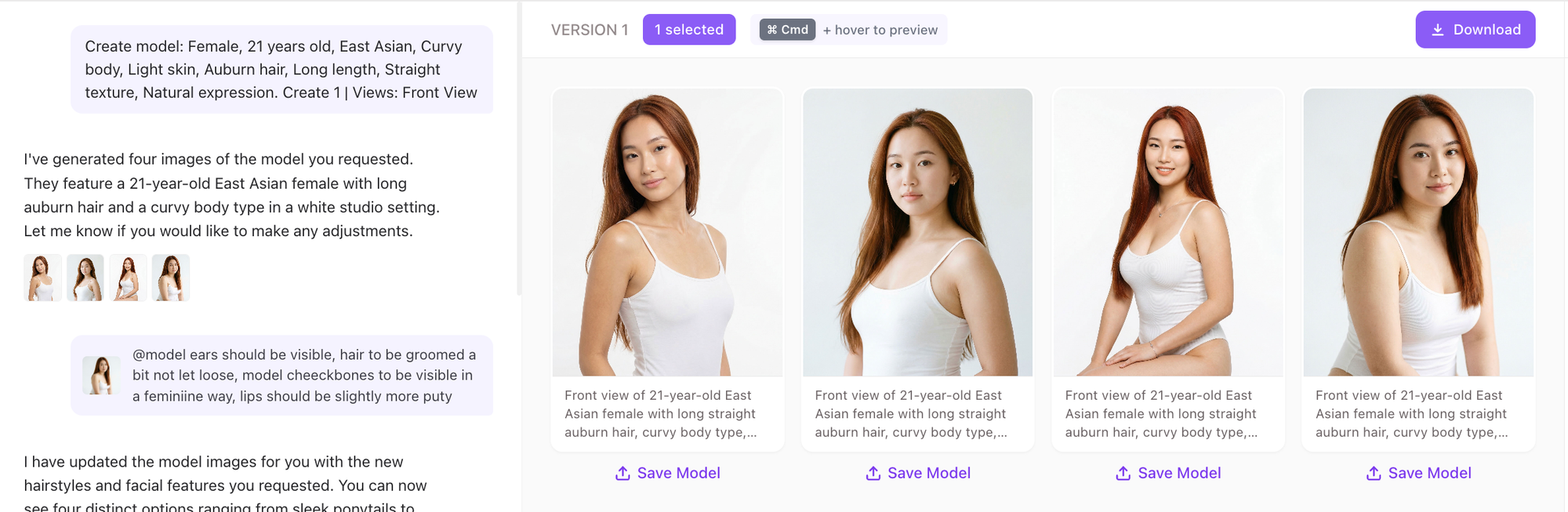
  • Create Models from Scratch
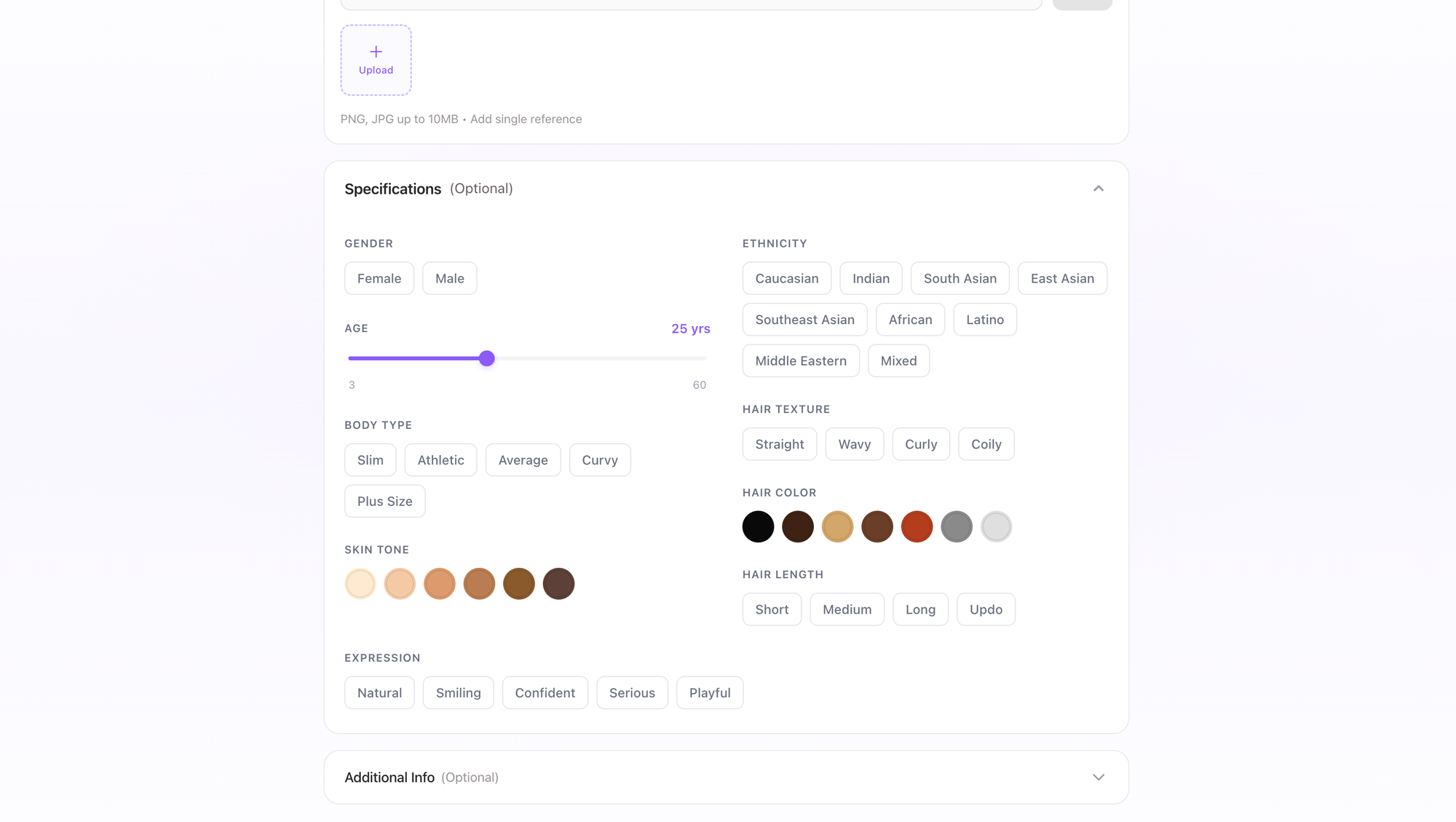
    Generate custom AI models tailored to your brand with dedicated workflows. This helps maintain consistent representation across catalog shoots and campaigns.
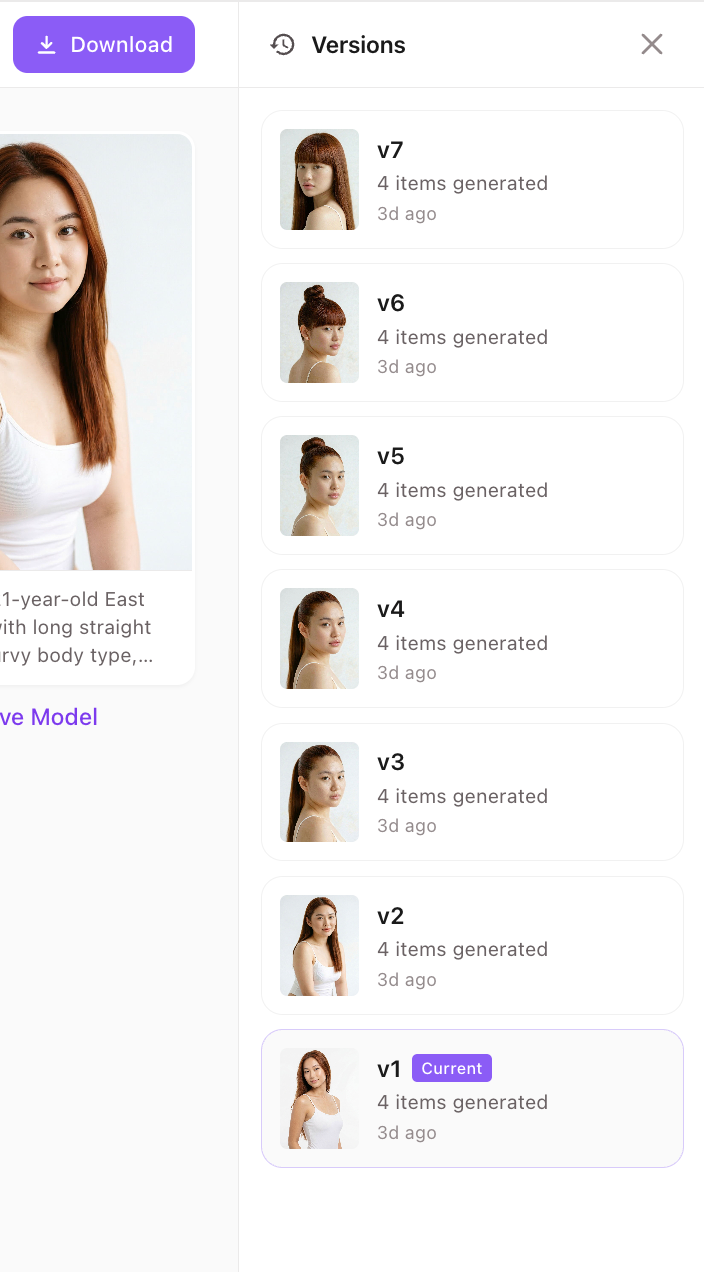
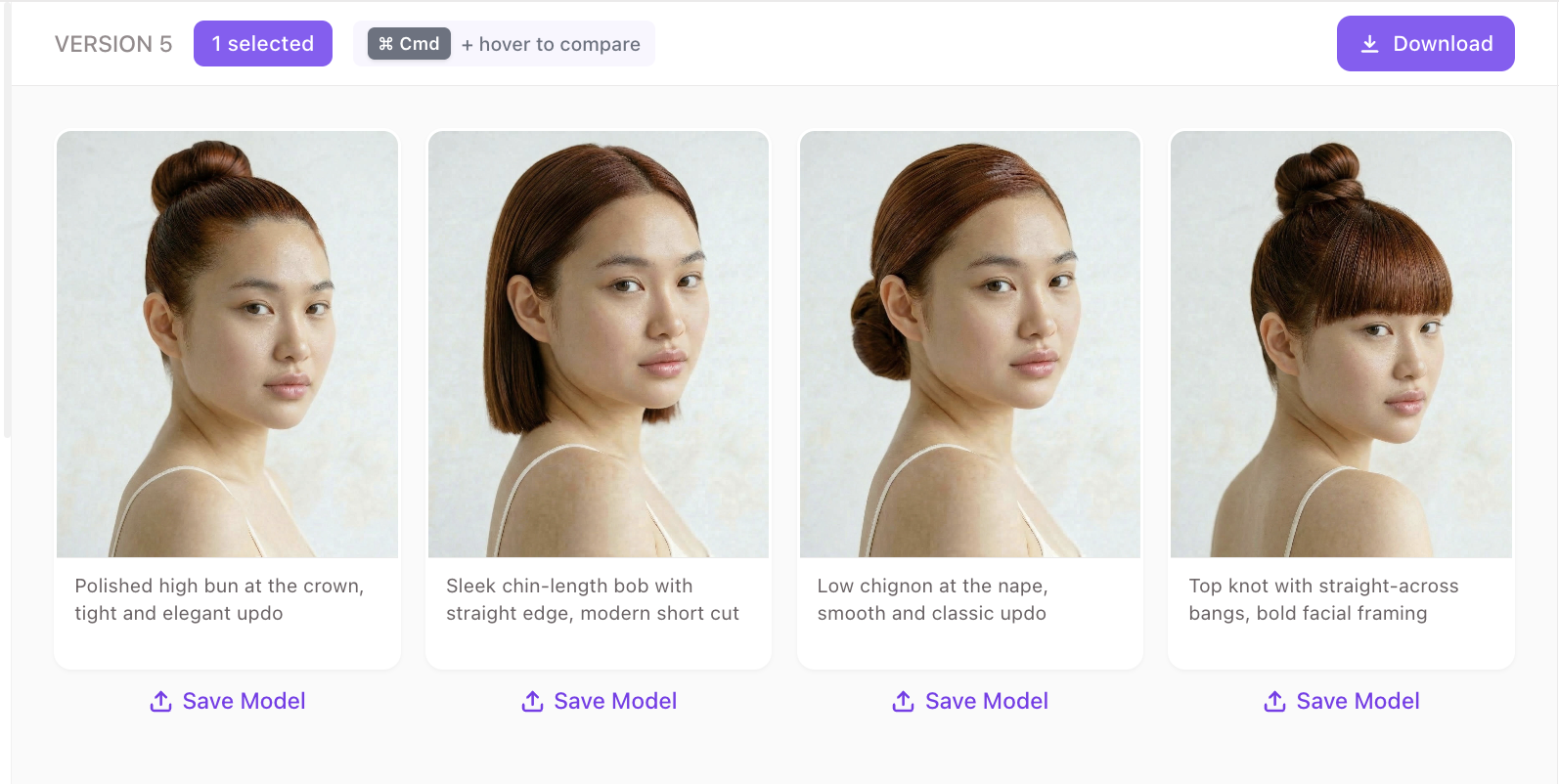
  • Editable History for Models & Poses
    All model and pose generations include history tracking, making it easy to revisit, edit, or convert past outputs into reusable presets.

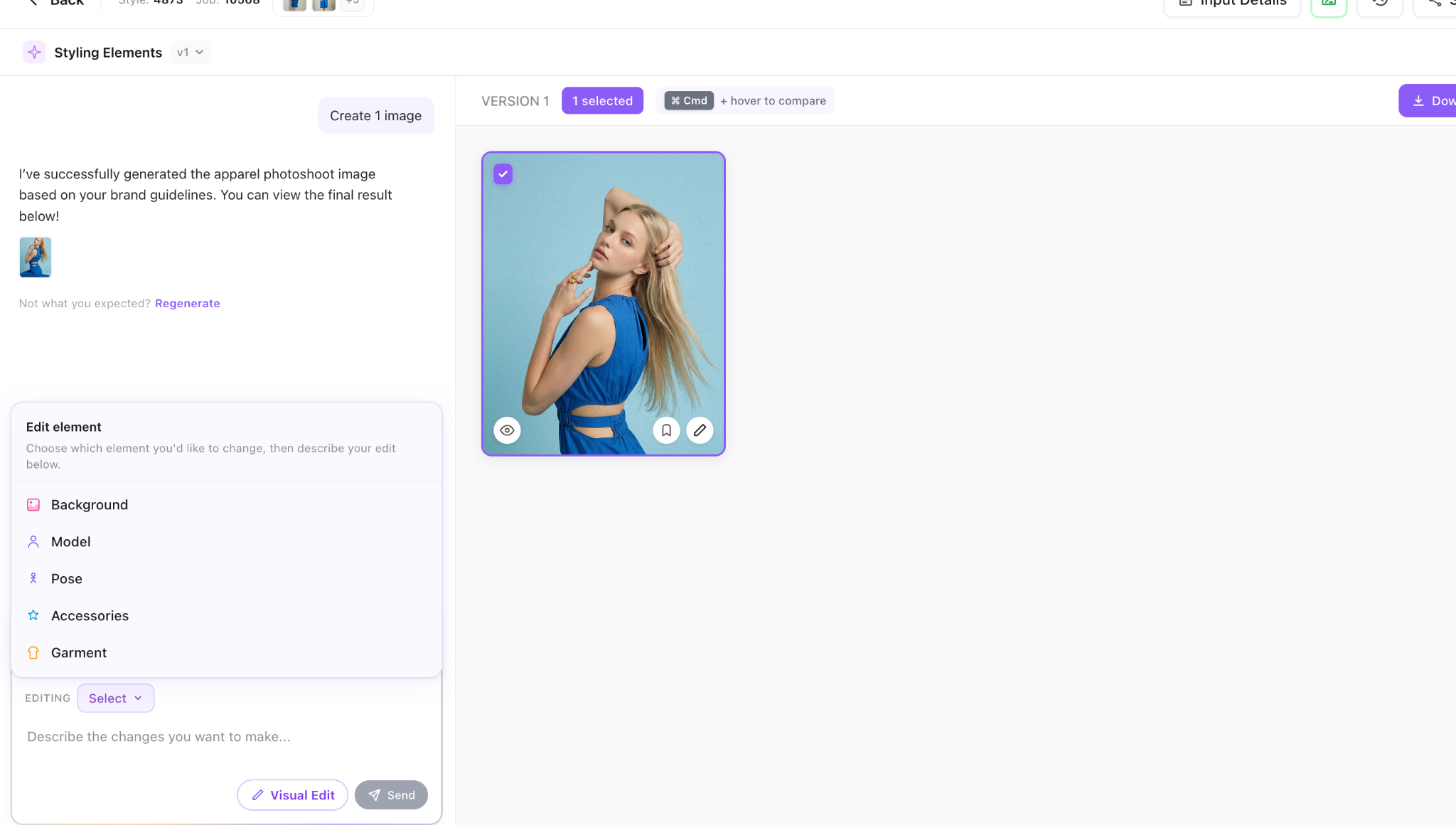
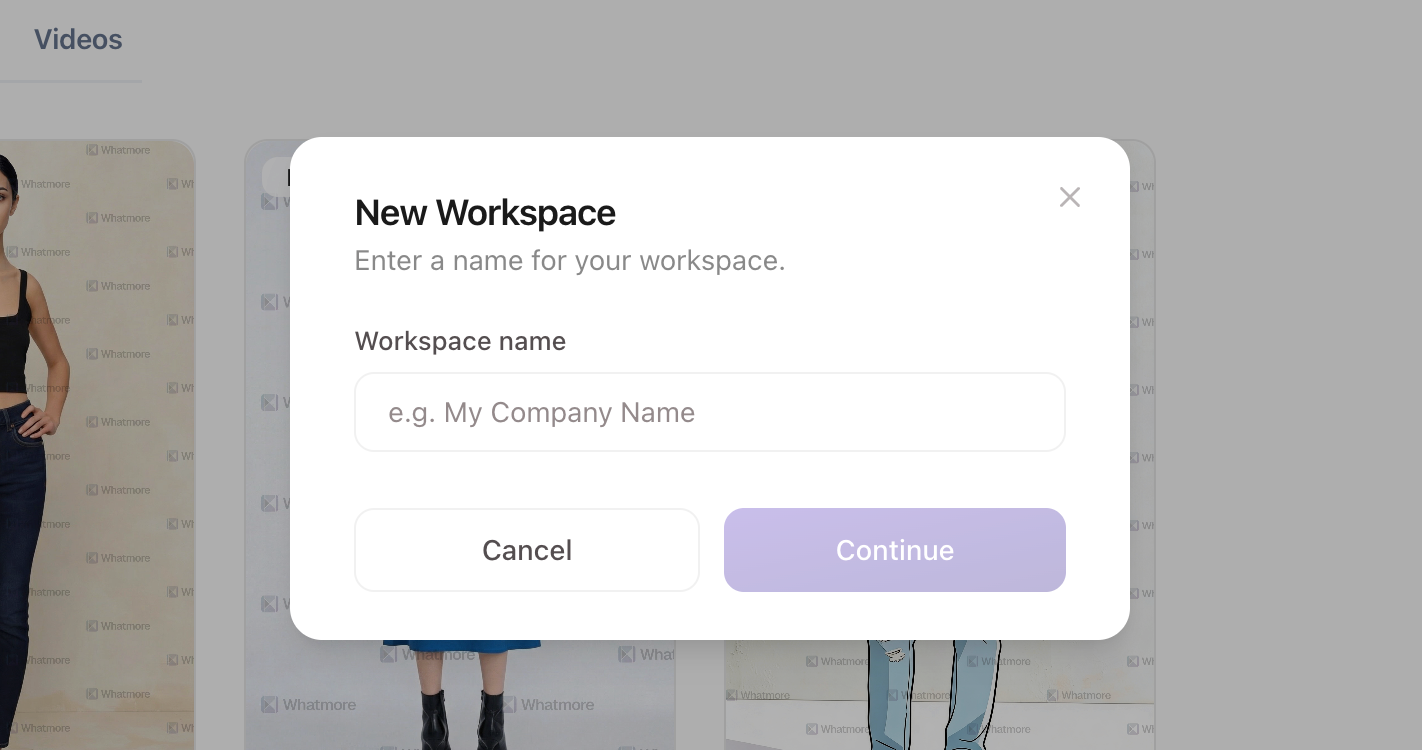
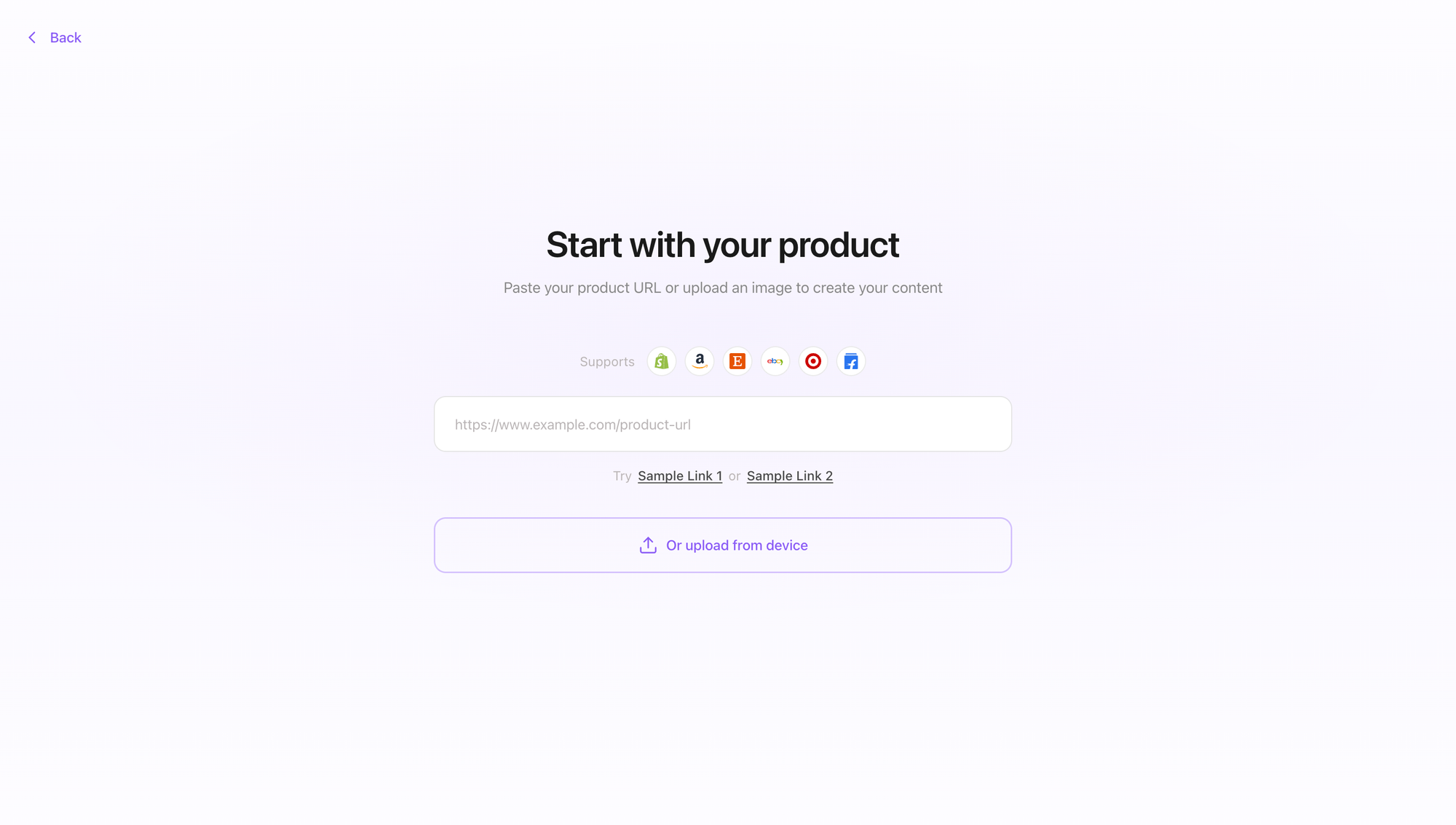
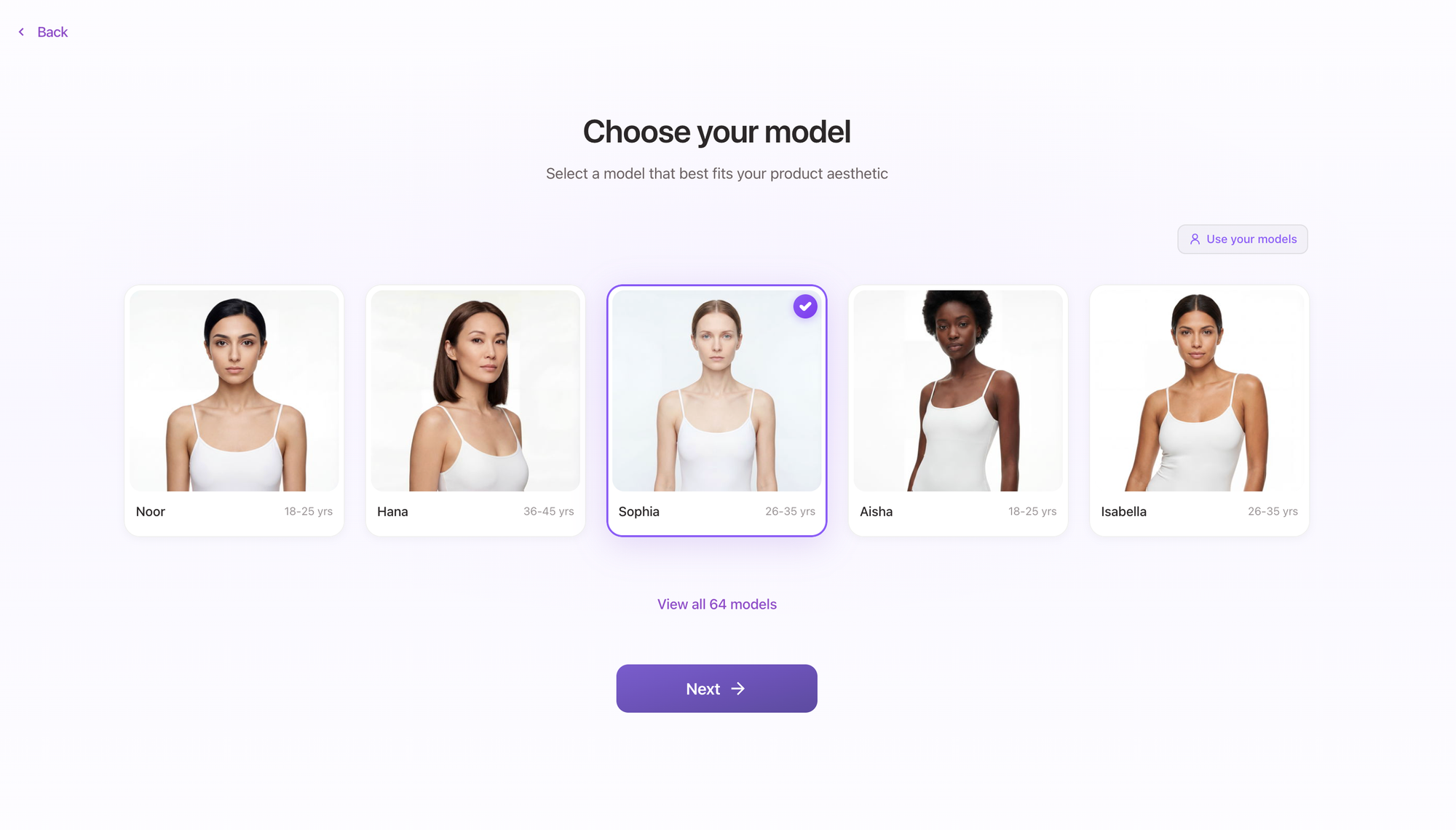
We’ve redesigned the AI Studio creation flow to make catalog image and video generation simpler and more predictable. The new workflow provides clearer steps, better previews, and improved control from input to final output.

New & Improved

  • Guided Image Creation Flow
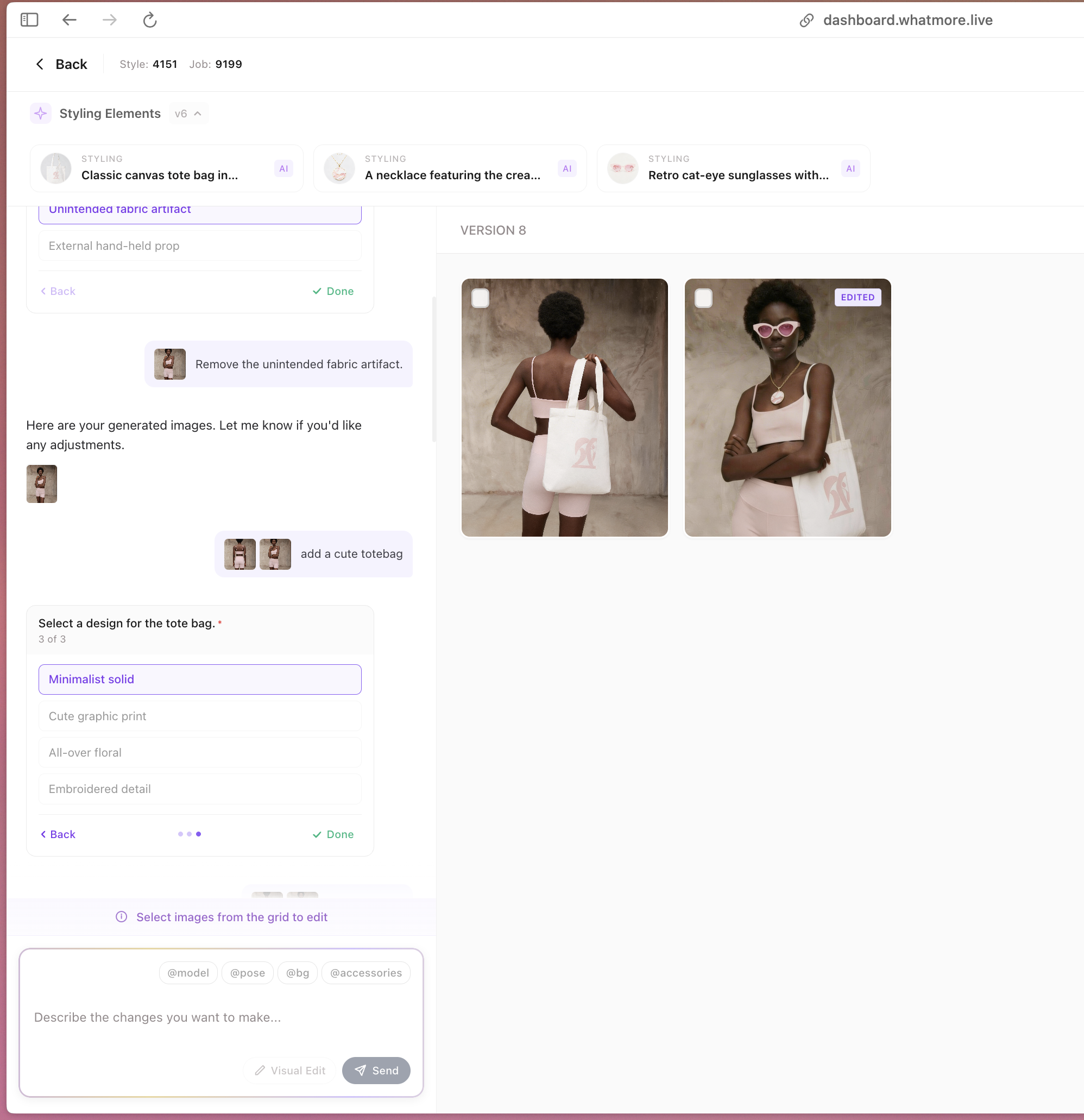
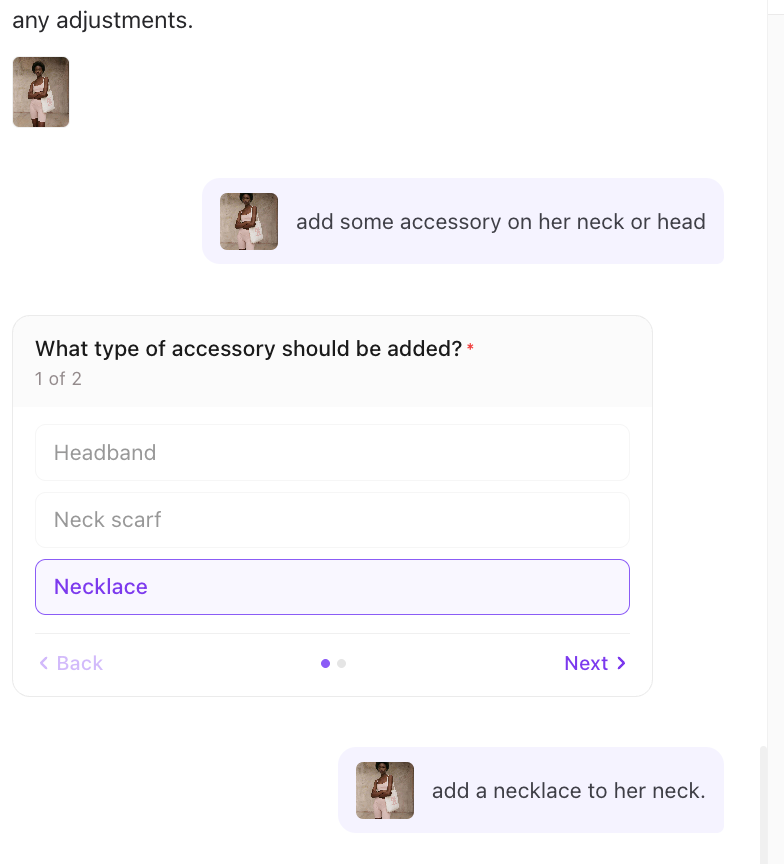
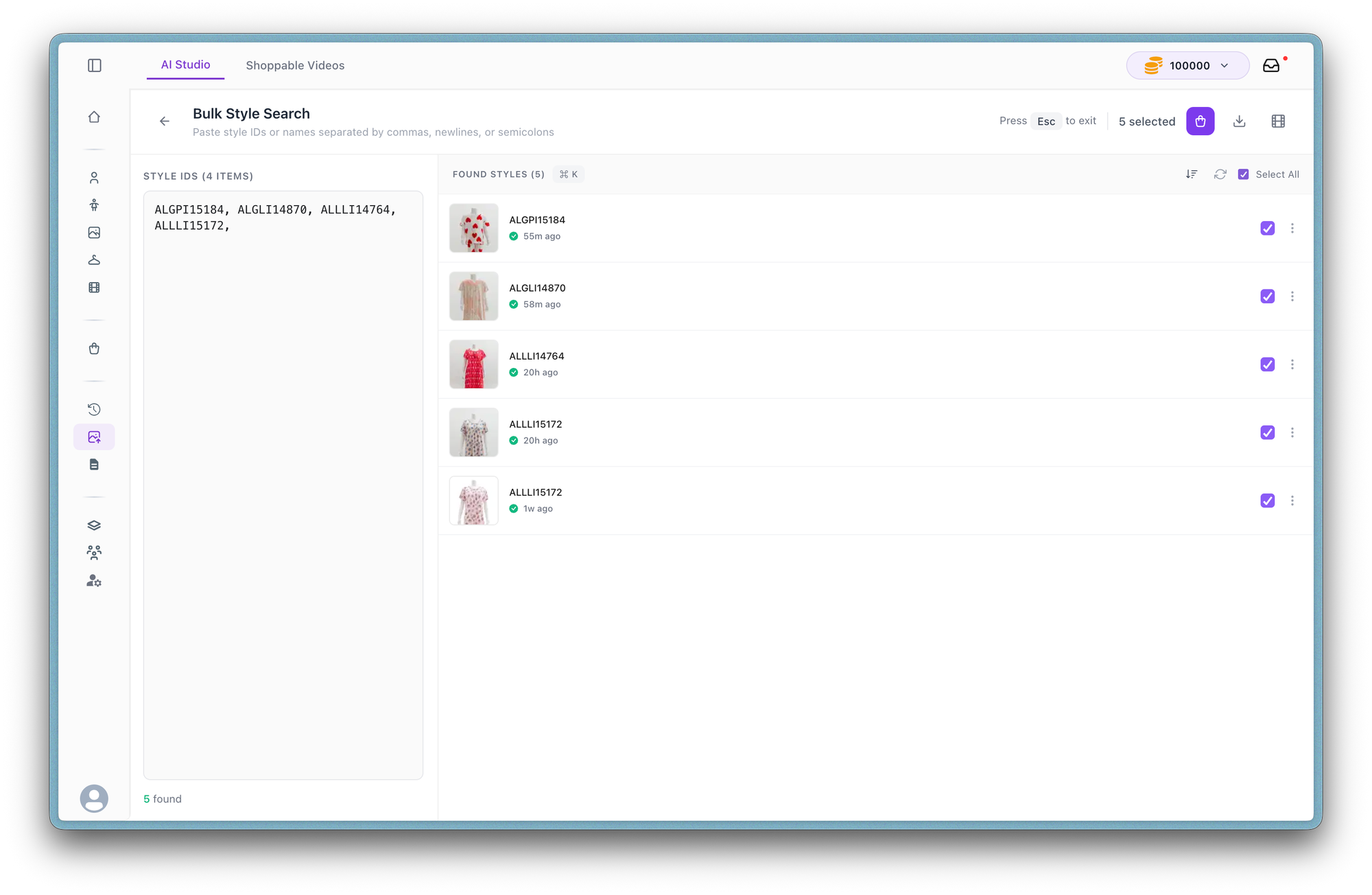
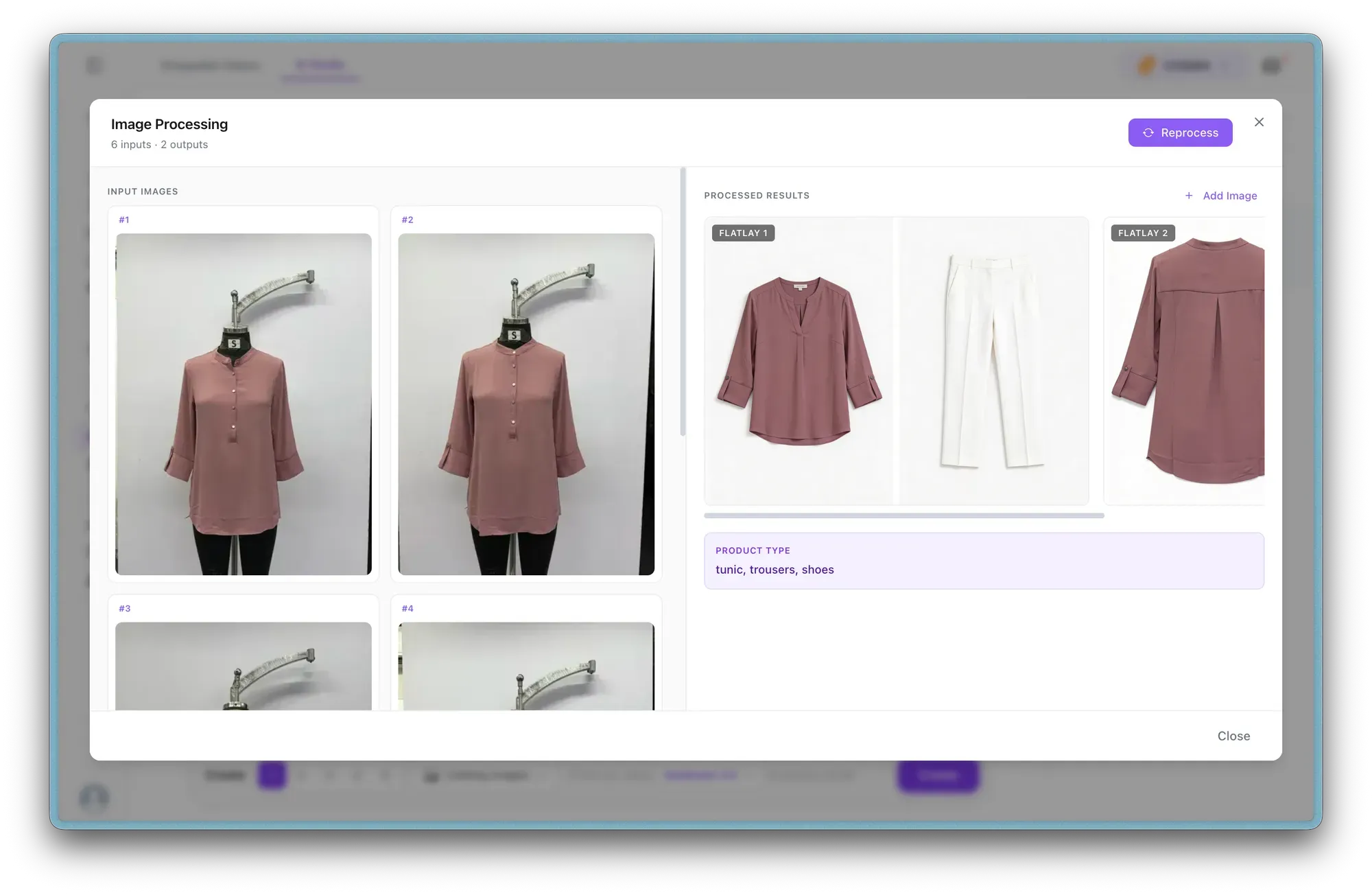
    Generate catalog images through a structured flow — product input, taxonomy detection, model selection, styling (poses, backgrounds, accessories), and review. When multiple product images are detected, you can select the most relevant ones before generation.
  • Structured Video Creation Flow
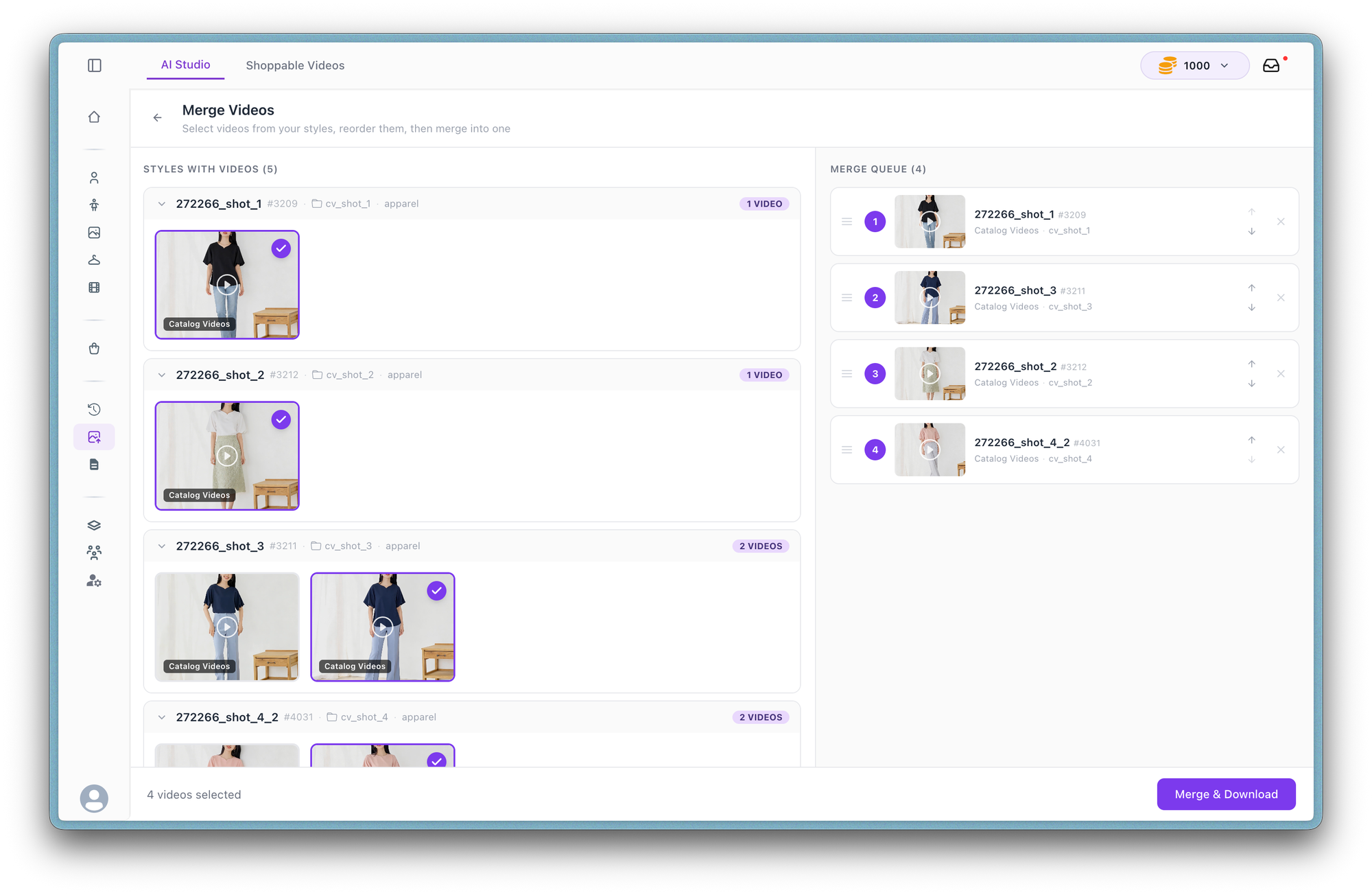
    Video generation now follows a similar guided process. Define scenes, backgrounds, accessories, and duration per scene before generating, with text prompts available as a flexible starting point.
  • Upfront Credit Visibility
    Estimated credit usage is now shown before generation, helping teams plan outputs more confidently.
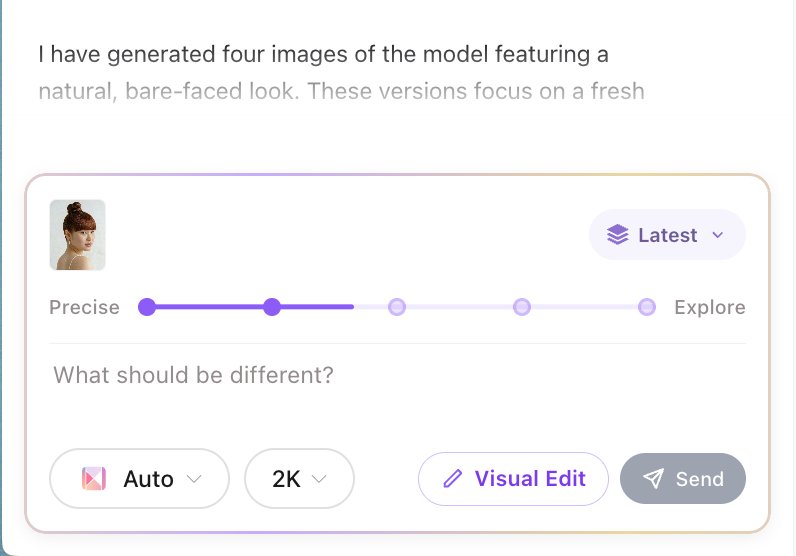
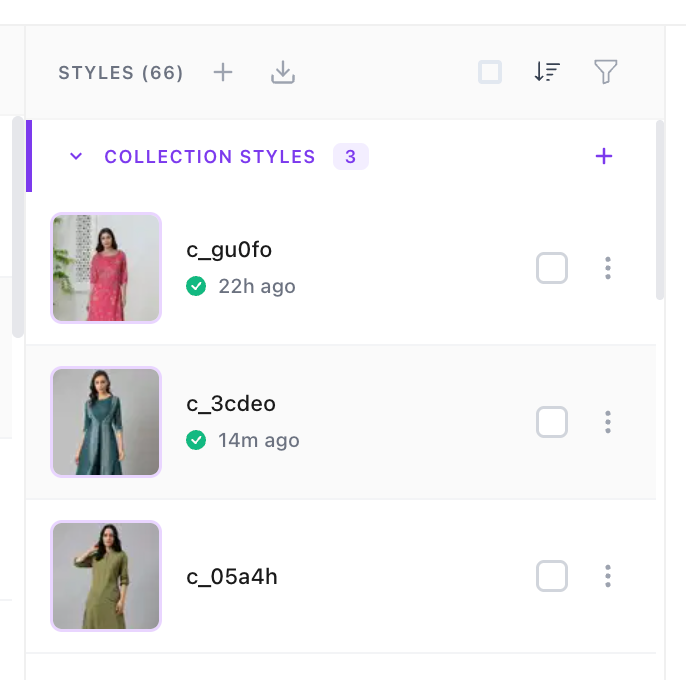
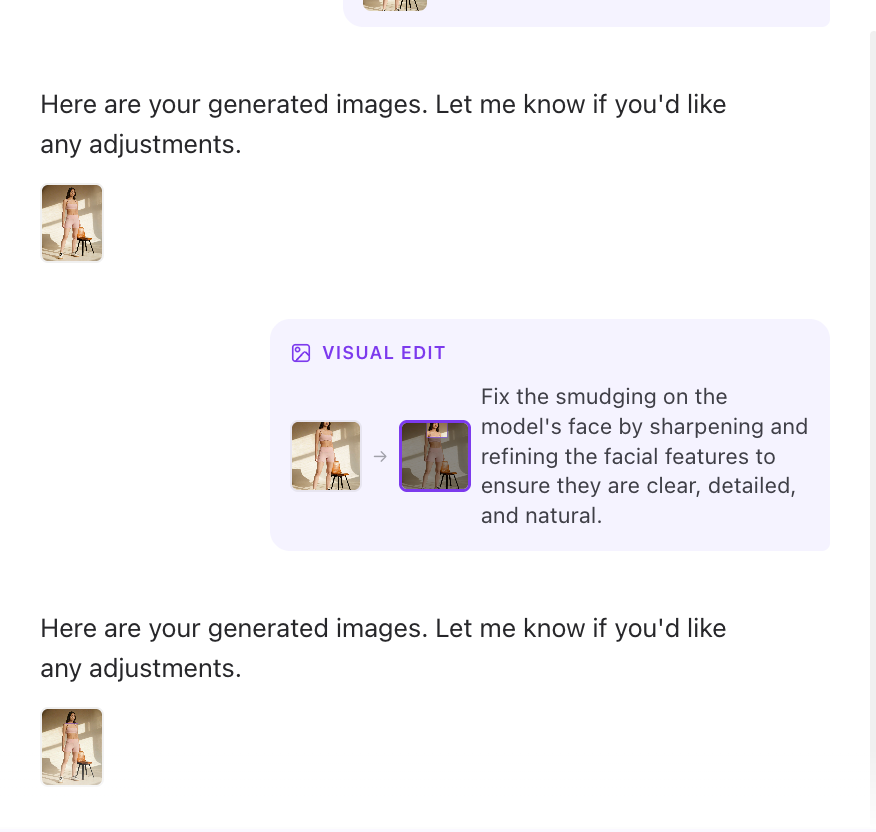
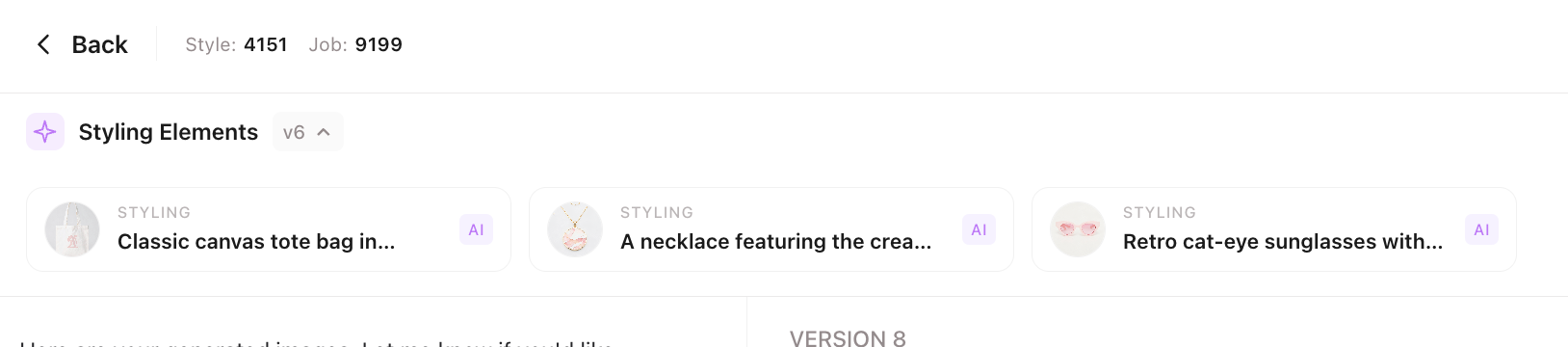
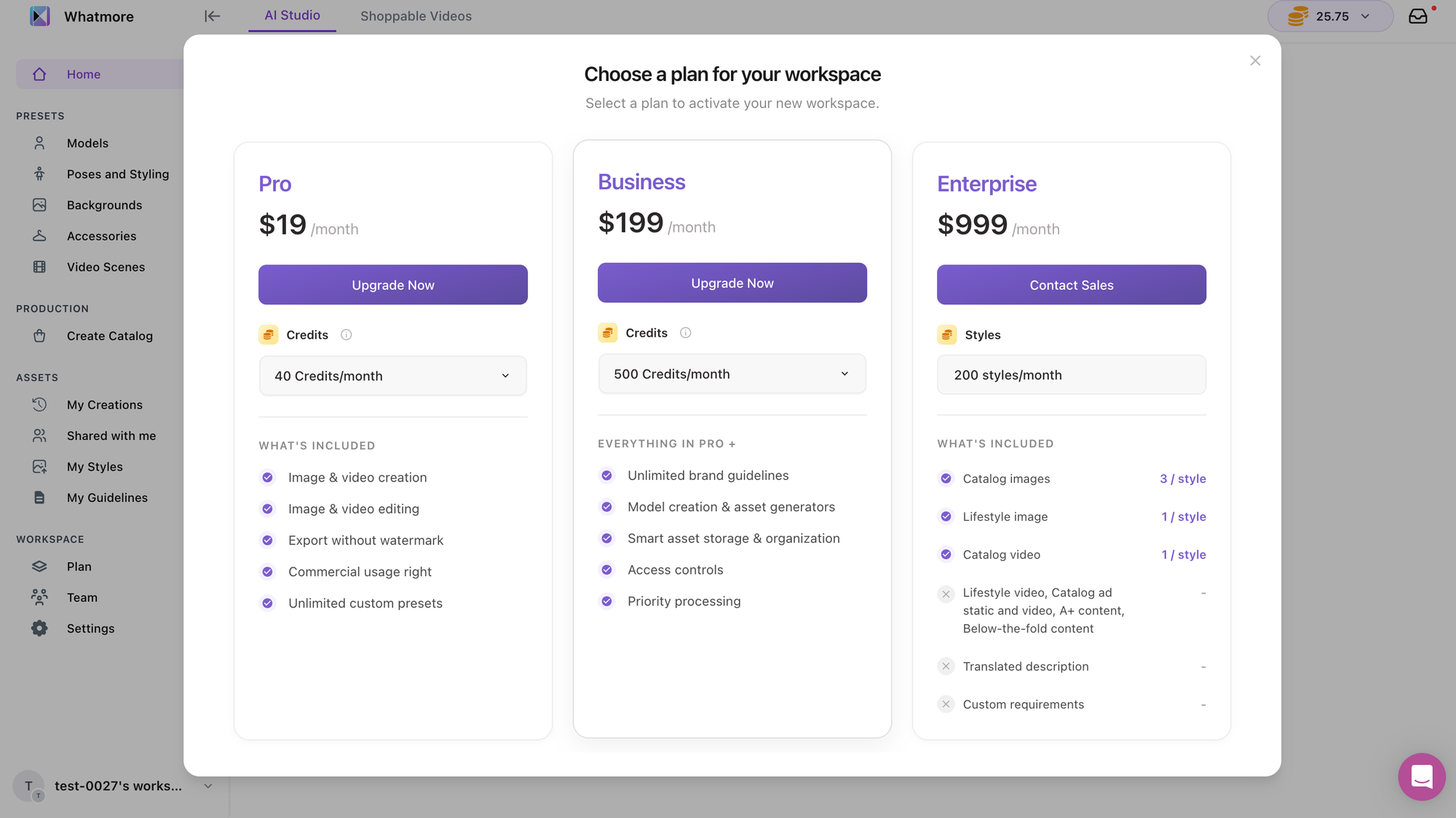
  • Conversation History & Versioning
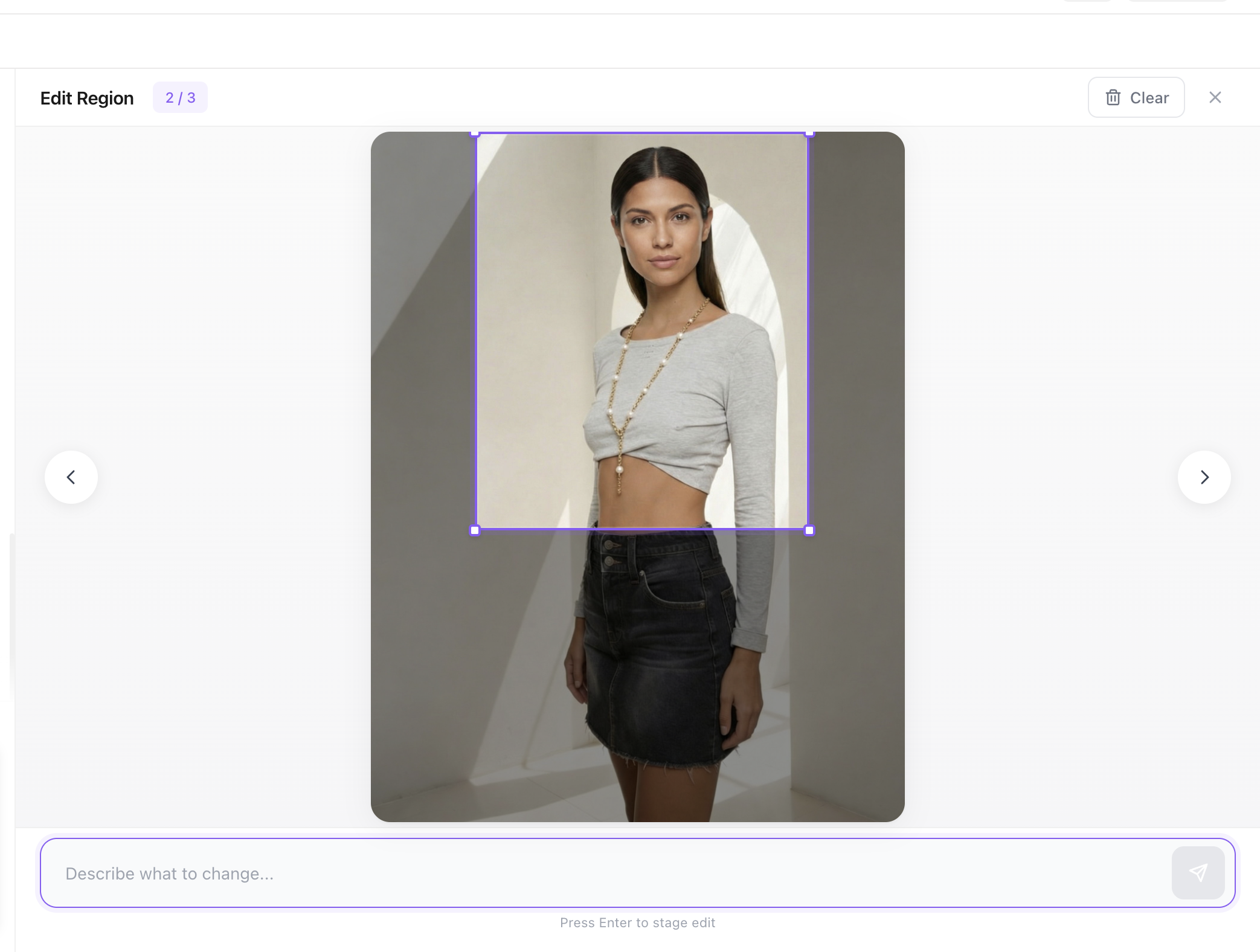
    All generations now include conversation history with version tracking, making it easier to revisit, edit, or iterate on past outputs.