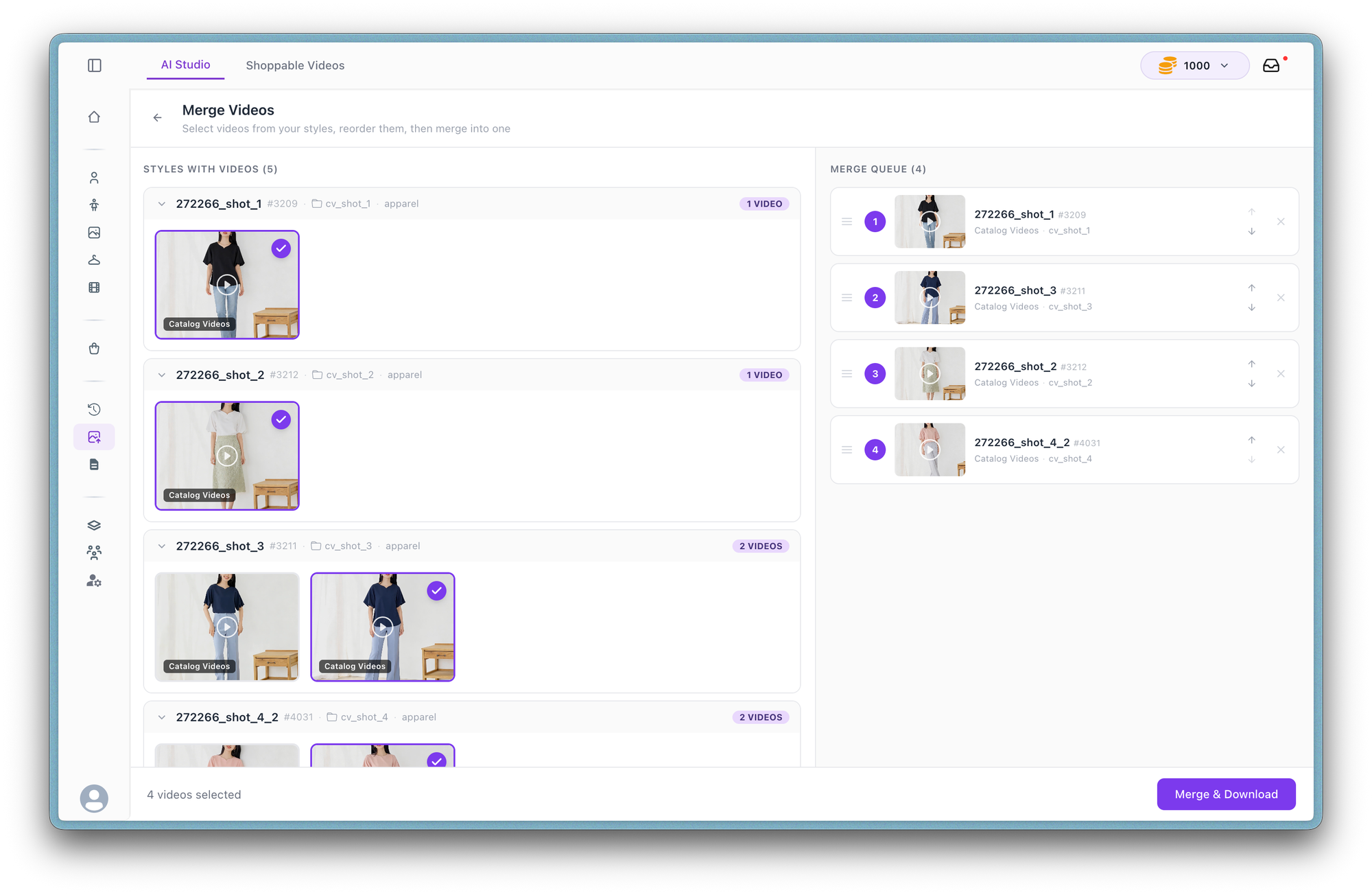
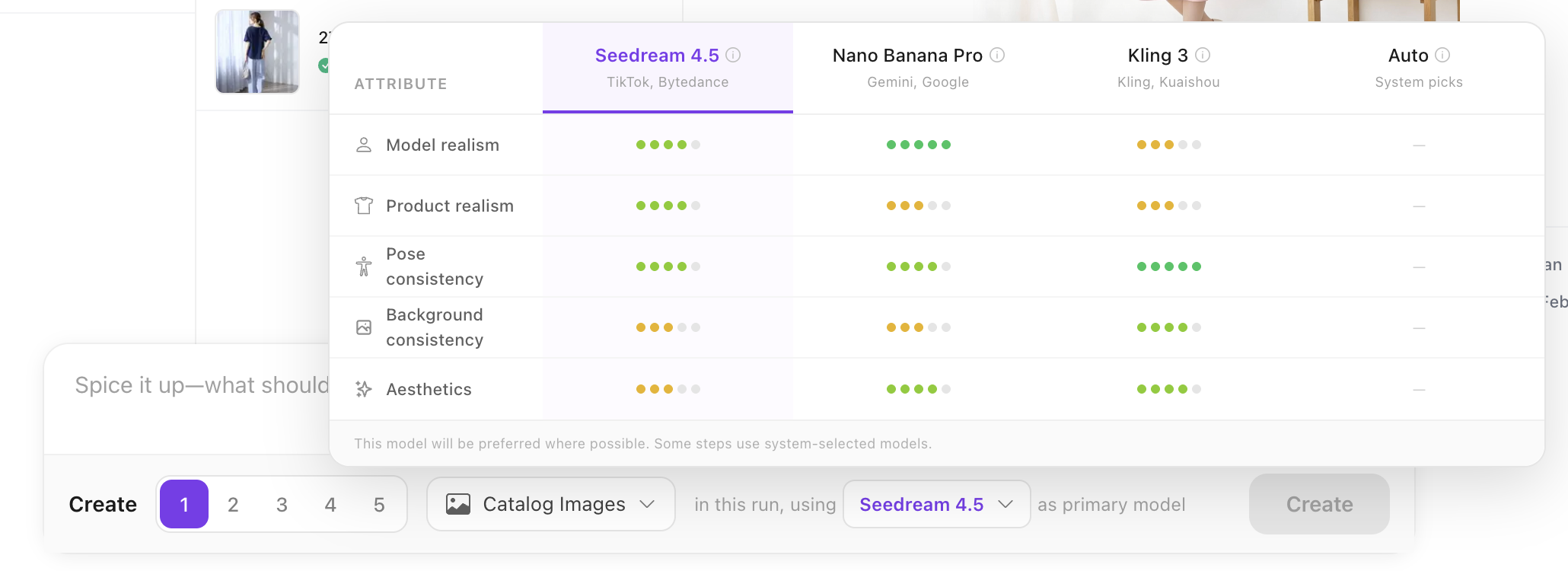
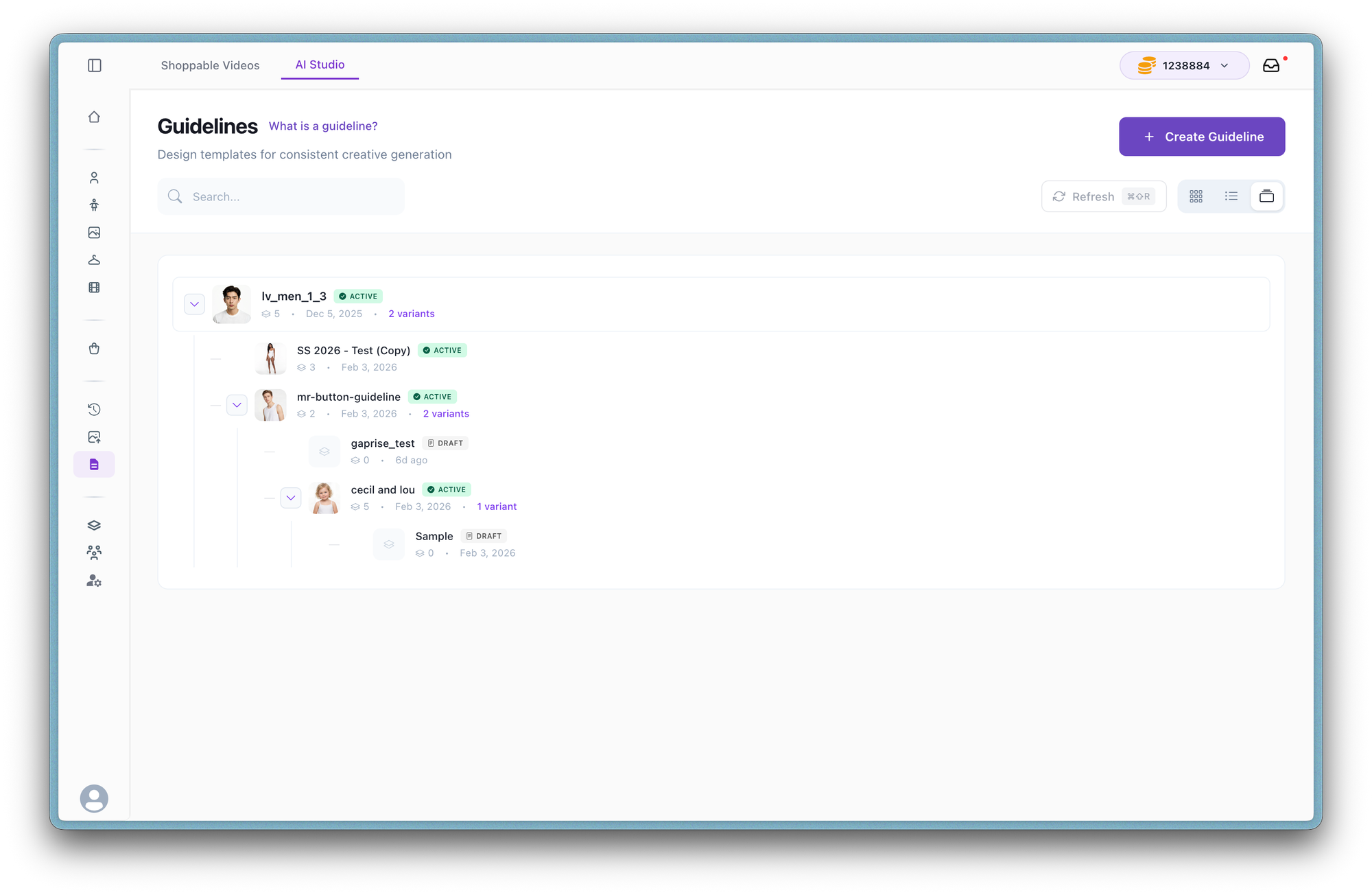
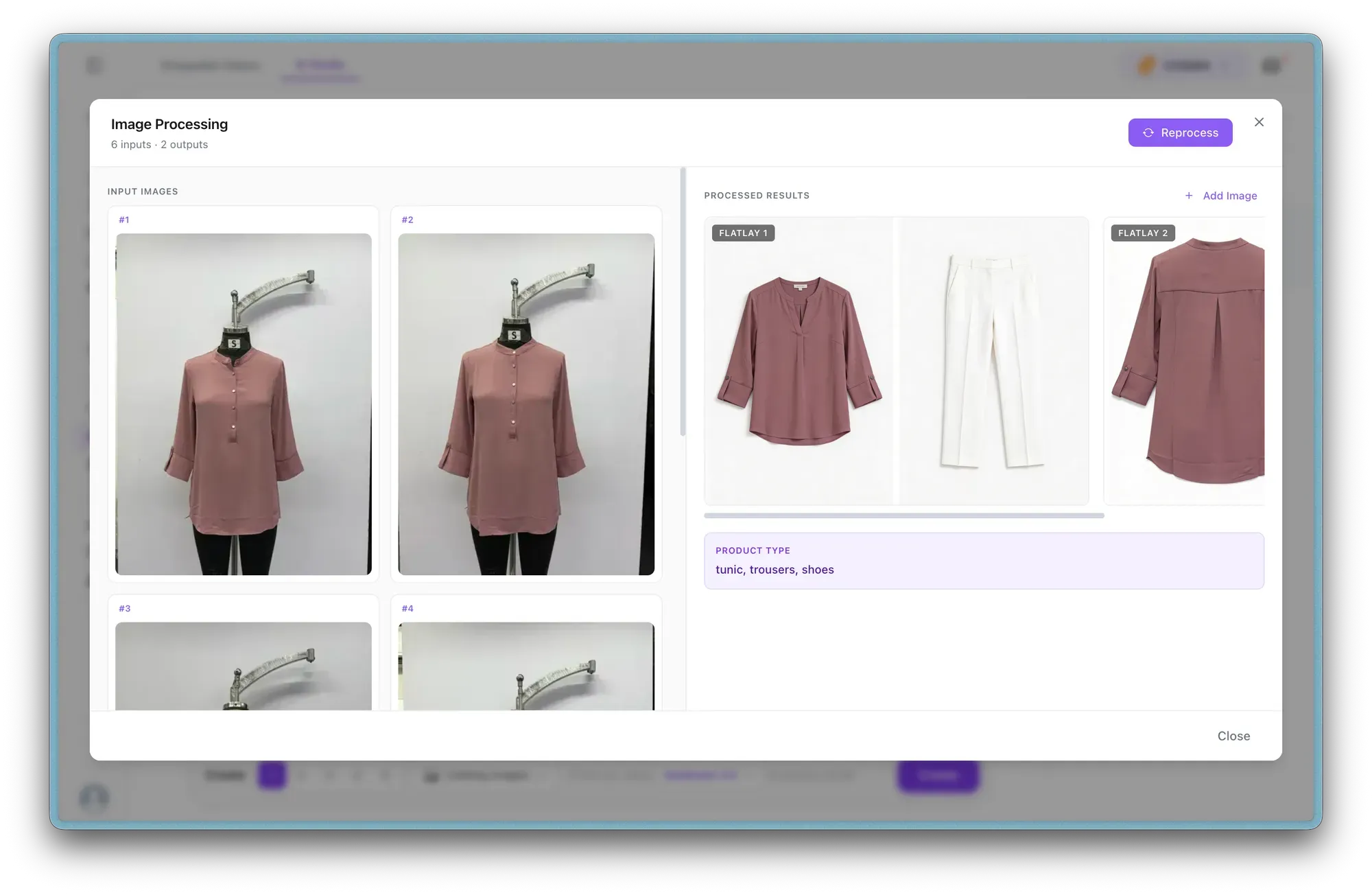
Latest product updates

We've revamped the homepage and product page experience with a cleaner layout, faster onboarding, and full multi-carousel management.

New & Improved

  • Multi-Carousel Management — Create custom carousels for both product pages and homepage. Scope carousels to specific products, manage videos through a dedicated drawer, and control whether the default carousel is visible.
  • Streamlined Homepage section UX & Onboarding — Cleaner homepage section layout with direct create triggers for banners and widgets. Default naming removes setup friction so you can get started faster.
Banner UI Revamp

Mar 18, 2026

We’ve redesigned the banner management experience to make it faster and easier to organize, preview, and update banner content.

Improved

  • Media Drawer for Preview
    Easily browse and preview banner media through a new dedicated media drawer.
  • Drag-and-Drop Reordering
    Reorder banners using a simplified arrange modal with drag-and-drop controls.
  • Streamlined video Management
    Manage banner videos through a cleaner table-based interface.
  • More Controls
    Delete media and add CTA options directly within the workflow.

We’ve optimized the banner widget to load faster and show visuals immediately, improving first impressions without affecting page speed.

Improved

  • Independent Faster Loading
    The banner now loads separately from heavier dependencies, reducing delays during initial rendering.
  • Instant Visual Preview
    Poster images now appear immediately with shimmer placeholders, ensuring users see engaging visuals even on slower networks or devices.
  • No Page Speed Impact
    These improvements were achieved without increasing initial load size, keeping storefront performance unchanged.

Check it out here: https://demo.whatmore.ai/

You can now set expiration dates on videos so they automatically stop displaying after a chosen date. This is useful for influencer or licensed content where usage rights are time-bound (for example, 2–4 months).

New

  • Scheduled Expiry Controls
    Set expiration for single or multiple videos using an inline calendar picker. Edit or remove anytime, with visual indicators on video tiles.
  • Automatic Archiving
    Expired videos are automatically archived through a daily background process.

Available on Scale, Premium, and Enterprise plans.

This update improves how quickly your video shopping layer loads and plays across devices. Expect faster first impressions, smoother playback on any network, and more flexibility in widget placement.

New & Improved

  • Faster Initial Load
    We prioritized critical first-view code, reducing the initial payload from ~90KB to ~17KB. Shimmer placeholders now provide instant visual feedback while content loads.
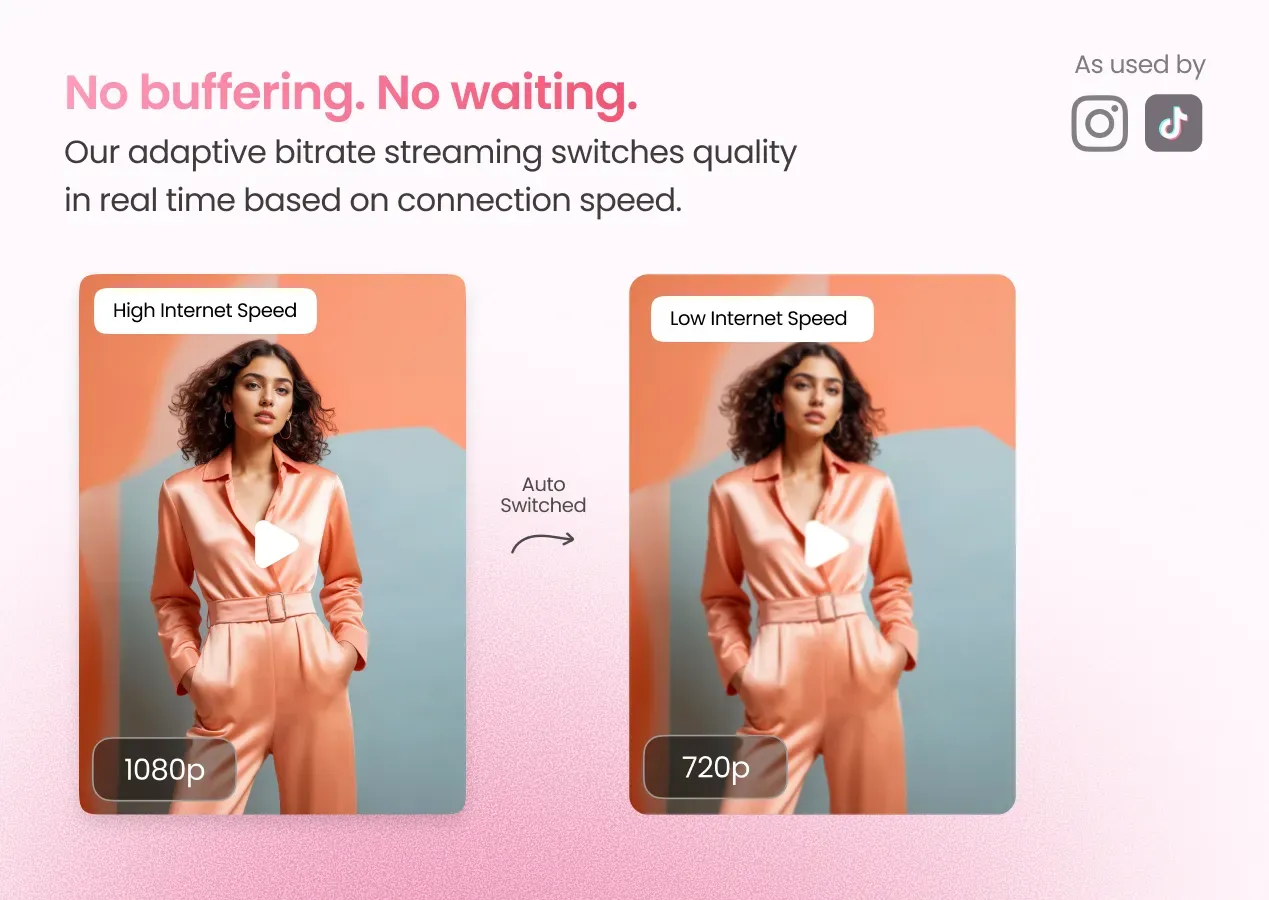
  • Adaptive Video Quality Streaming
    Video quality now adjusts automatically based on internet speed, ensuring smooth playback on slower connections while enabling HD where possible.
  • Instant Video Thumbnails
    Cached thumbnails appear immediately on click while the video player loads in the background, improving first-click responsiveness.
  • Flexible Widget Sizing
    The widget now adapts to its container width, making it easier to fit across PDPs, homepages, and landing sections.

Tagging products in shoppable videos is now faster and more intuitive. This update improves how suggested products appear and simplifies the tagging workflow.

New & Improved

  • Quick Tag Overlay
    Tag suggested products directly from video thumbnails without opening modals. This speeds up tagging and reduces repetitive clicks.
  • Smart Match Indicators
    Suggested products now appear as color-coded thumbnails based on match confidence (green = high similarity). Hover to quickly preview product details.
  • Bulk Tagging Support
    Select multiple suggested products and tag them in one flow, making it easier to prepare videos with multiple SKUs.
  • Smoother Suggestions UI
    Improved rendering with skeleton loaders reduces UI shifts and makes product suggestions feel more responsive.

You can now bulk import Instagram videos within a selected date range and automatically tag products during import. This update simplifies video ingestion while reducing manual tagging effort.

New

  • Date-Range Bulk Import
    Import Instagram videos using preset ranges (1, 3, or 6 months) or custom dates. This makes it easier to backfill video libraries or sync recent content.
  • AI Auto-Tagging
    Smart matching now detects products in imported videos and automatically suggests tags, reducing manual tagging work.
  • Progress Tracking & Duplicate Prevention
    Real-time import progress visibility and automatic duplicate checks help keep your video library organized during bulk uploads.