
Your product videos in every Meta ad.
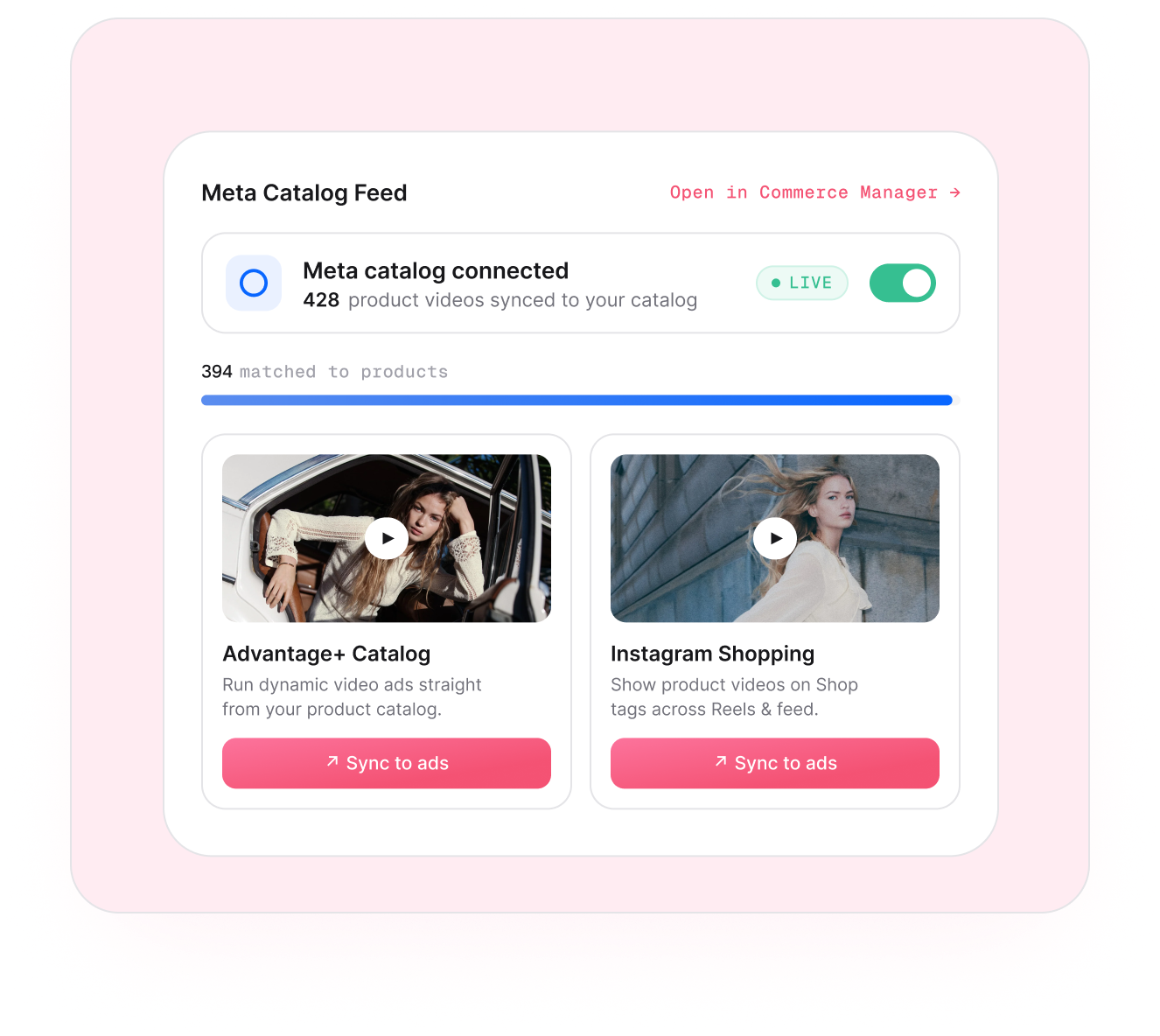
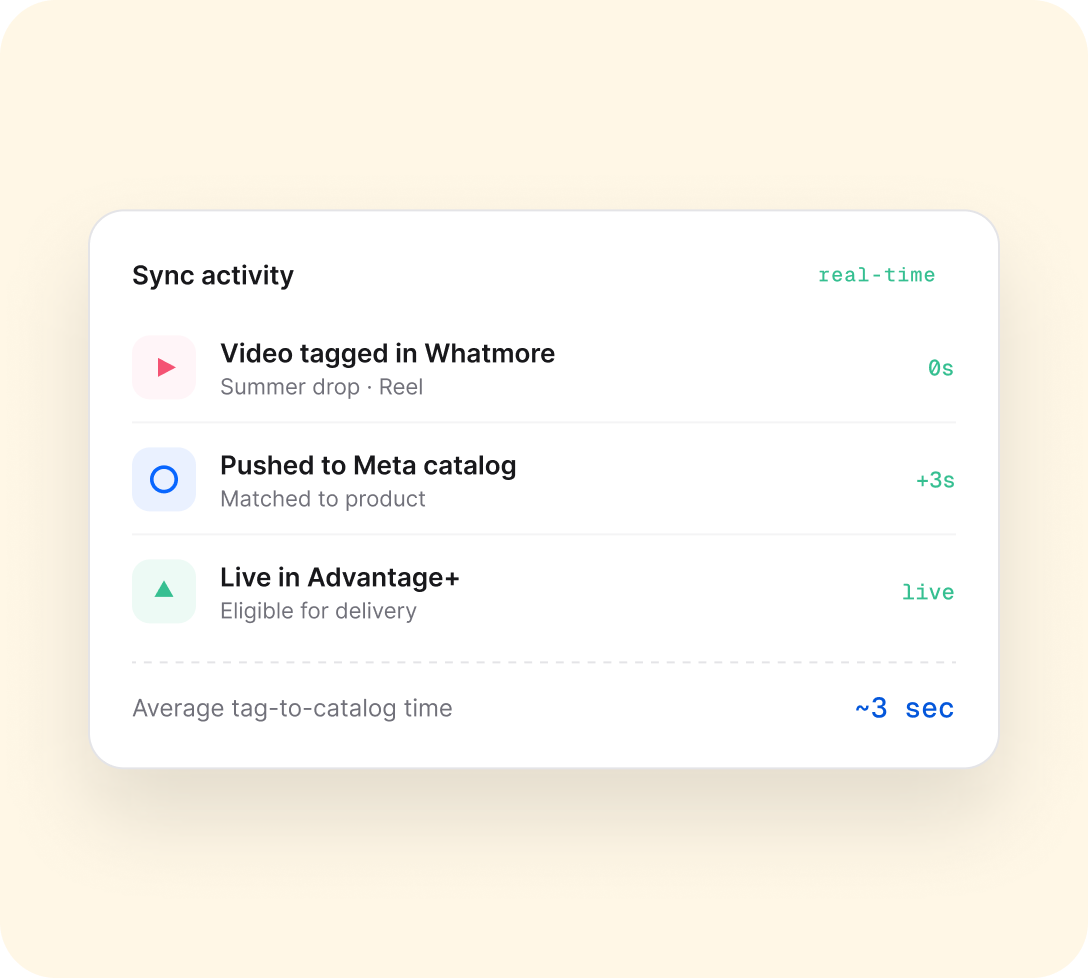
Sync your tagged product videos to your Meta product catalog. They show up in your Advantage+ video ads automatically — no re-upload, no second library to manage.
Trusted by 4000+ brands, globally





HOW IT WORKS
Split, measure, roll out the winner.
A fair experiment that runs itself — every visitor counted, every group compared.
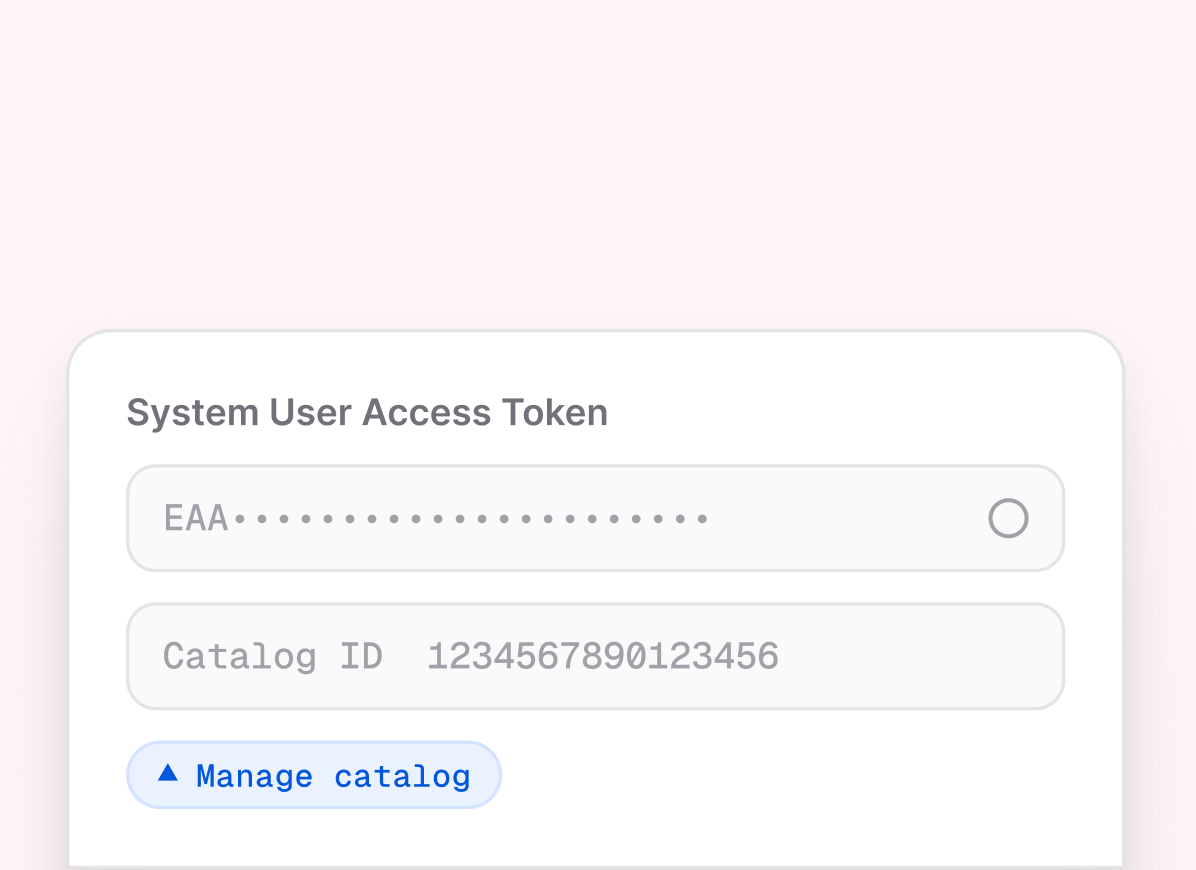
Connect your Meta catalog
Paste your System User access token and Catalog ID — with the Manage catalog permission. It takes about two minutes.
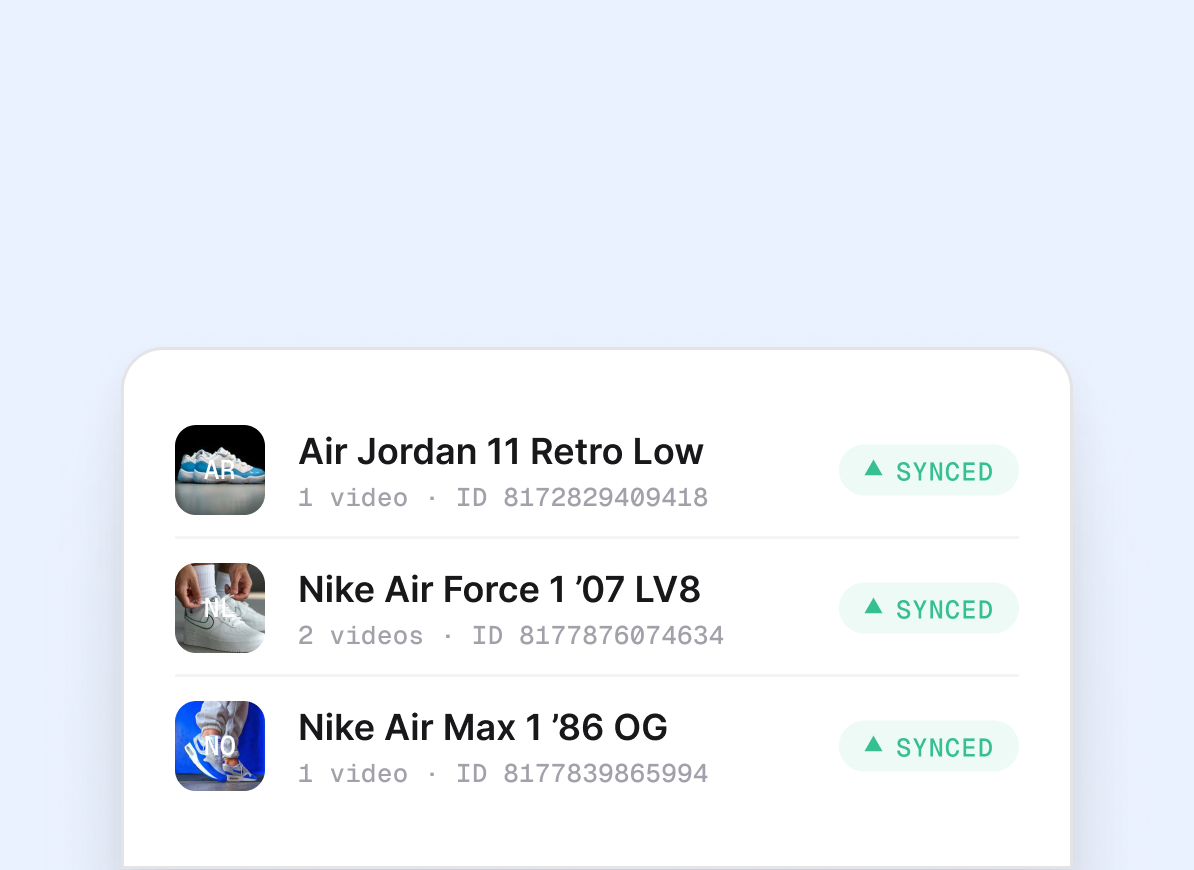
Your tagged videos sync in
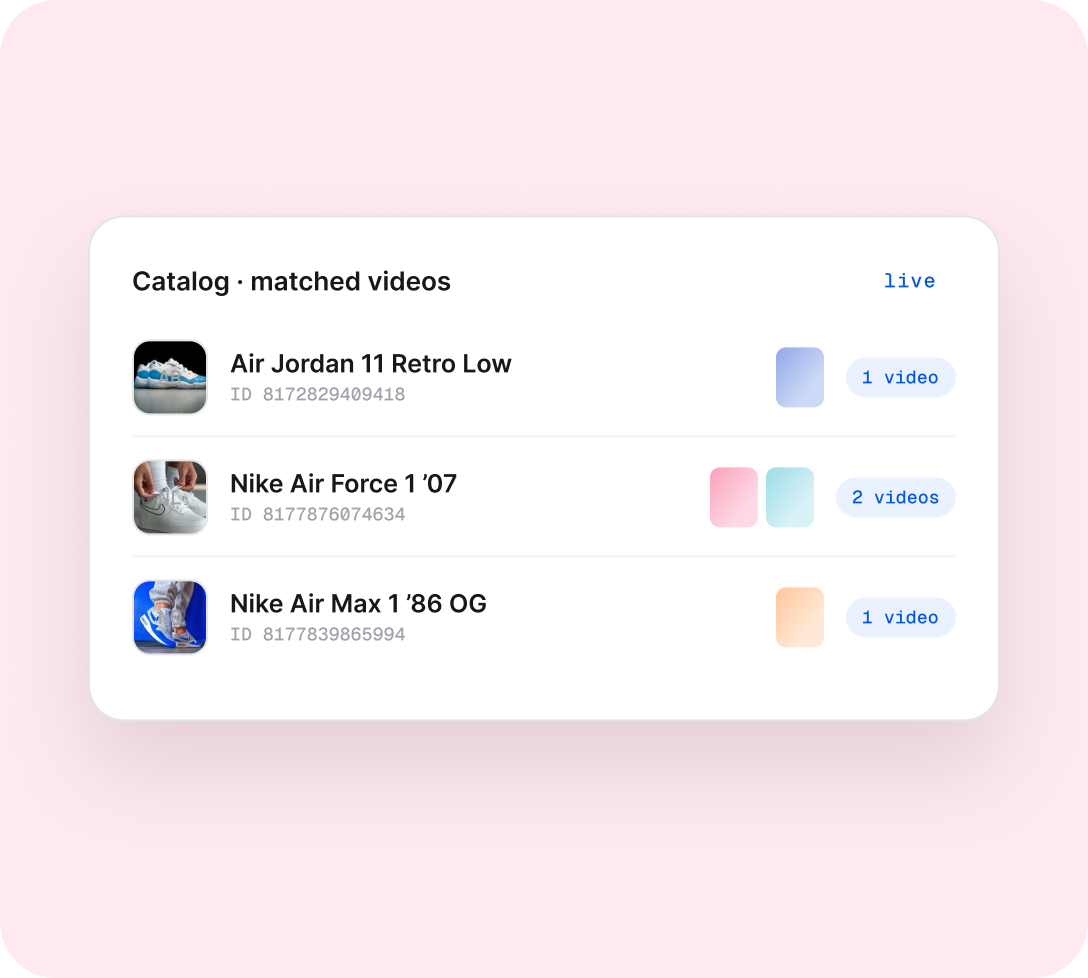
Every product you’ve tagged carries its videos straight into your Meta catalog, matched to the right product.
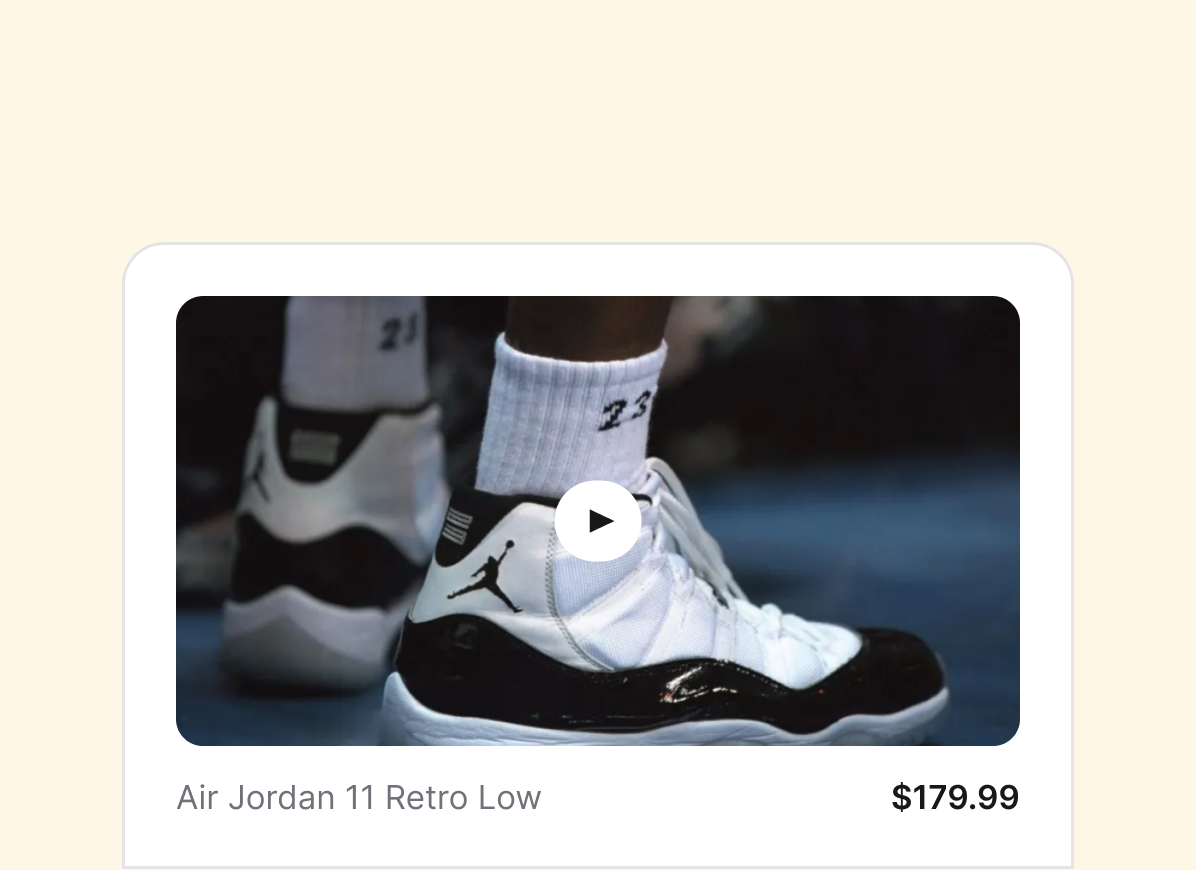
They run in Advantage+ ads
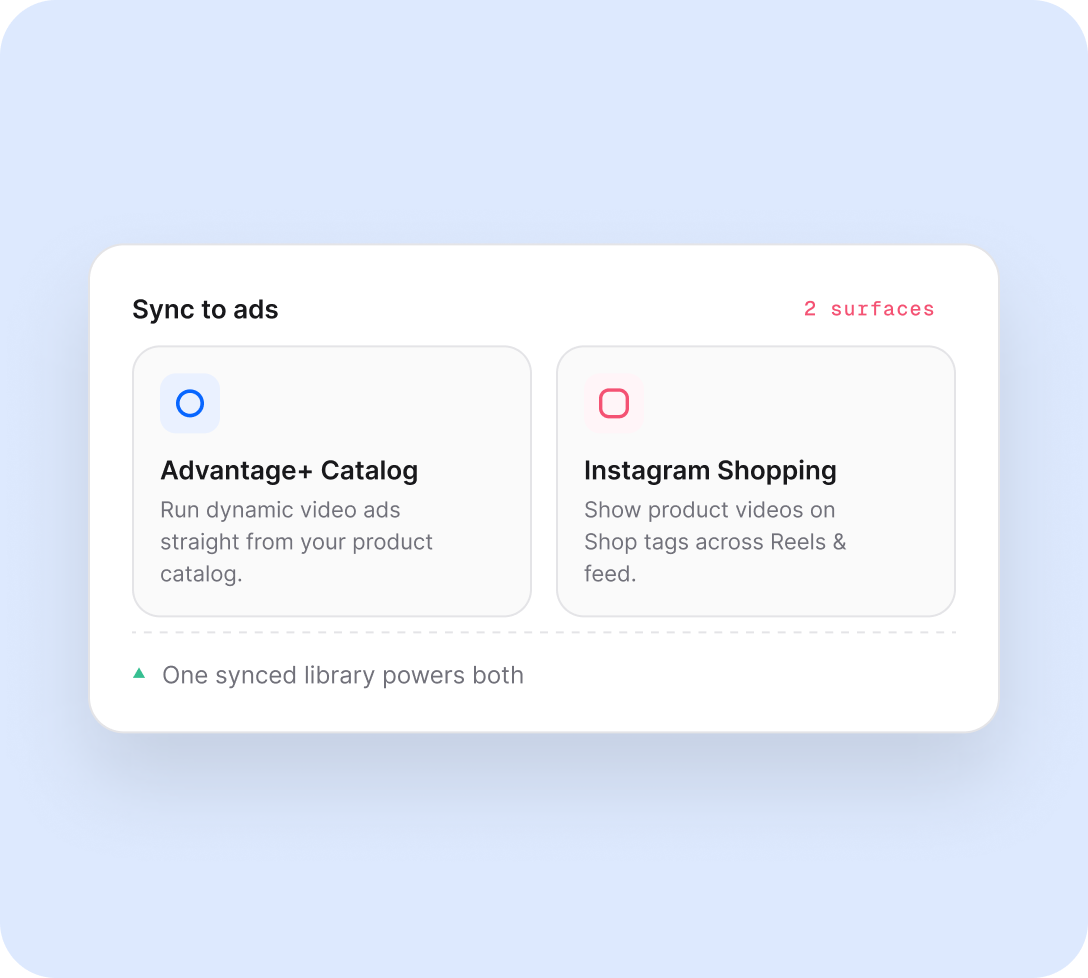
Videos appear with each product across Advantage+ catalog ads and Instagram Shopping — automatically.
WHY IT WORKS
Your catalog, now with video.
Everything between your tagged videos and your Meta ads — connected and automatic.
Catalog video
Every video, beside its product
Your tagged Whatmore videos appear with each product in your Meta catalog — ready for Advantage+ ads the moment they sync.
Brands use this for
- Adding video to dynamic catalog ads
- Reusing storefront videos in paid social
- Skipping the manual re-upload to Meta
Groups
Bundle similar videos into patterns you can understand
Video Insights groups videos that behave alike and share a mix of styles. Each dot is a video; nearby dots mean the content has something in common.
WHY TEAMS LIKE IT
- Spots clusters you would miss in a table
- Shows which groups own views and sales
- Lets you jump from pattern to videos fast
Evidence
Know when a pattern is strong enough to trust
Findings are labelled with evidence strength, so your team can tell the difference between a real catalogue-wide signal and an early trend worth watching.
WHAT IT CALLS OUT
- Strong view drivers across the whole catalogue
- Sales signals that are still too early to call
- Styles that deserve a closer look
Placements
Turn insights into the right video order for every surface
The report does not stop at analysis. It tells you where to use these videos next - from homepage sets to product-page ordering.
WHERE IT HELPS
- Lead homepage with styles that also sell
- Order PDP videos best-seller first
- Pick creative angles to test next
Connect your videos to Meta Advantage+ .
Link your catalog, sync your top-ranked videos per product, and let Whatmore feed Meta Advantage+ catalog ads automatically.

Meta Catalog Feed — full setup guide
Connect your Meta Business Manager, add your Catalog ID and access token, and go live in four steps.

How sync works & opting products out
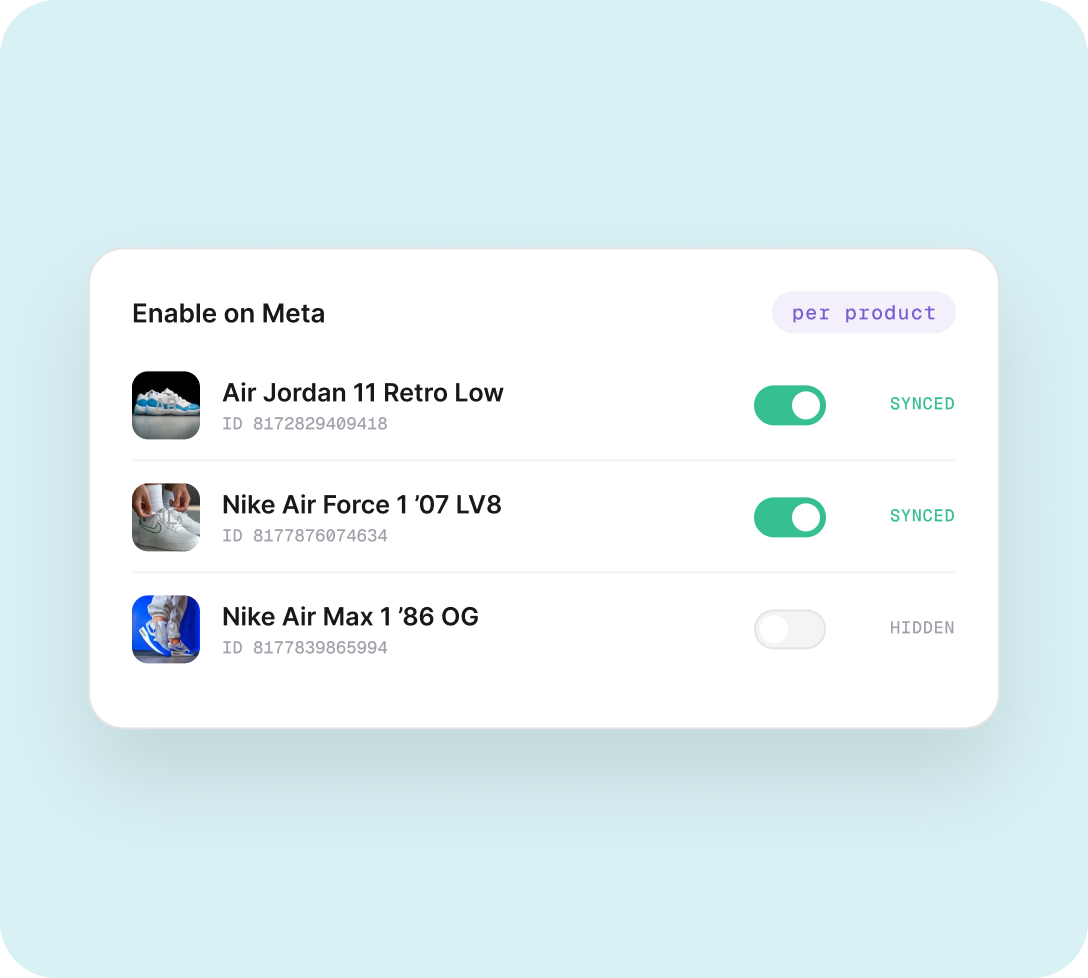
Only the top-ranked video per product syncs to Meta — learn how ranking works and how to exclude specific products.

Tips, troubleshooting & FAQ
Fix expired tokens, failed syncs, and custom catalog item limits — plus answers to the most common setup questions.
AND THERE'S MORE


