Studio makes the images. Listings gets them live.
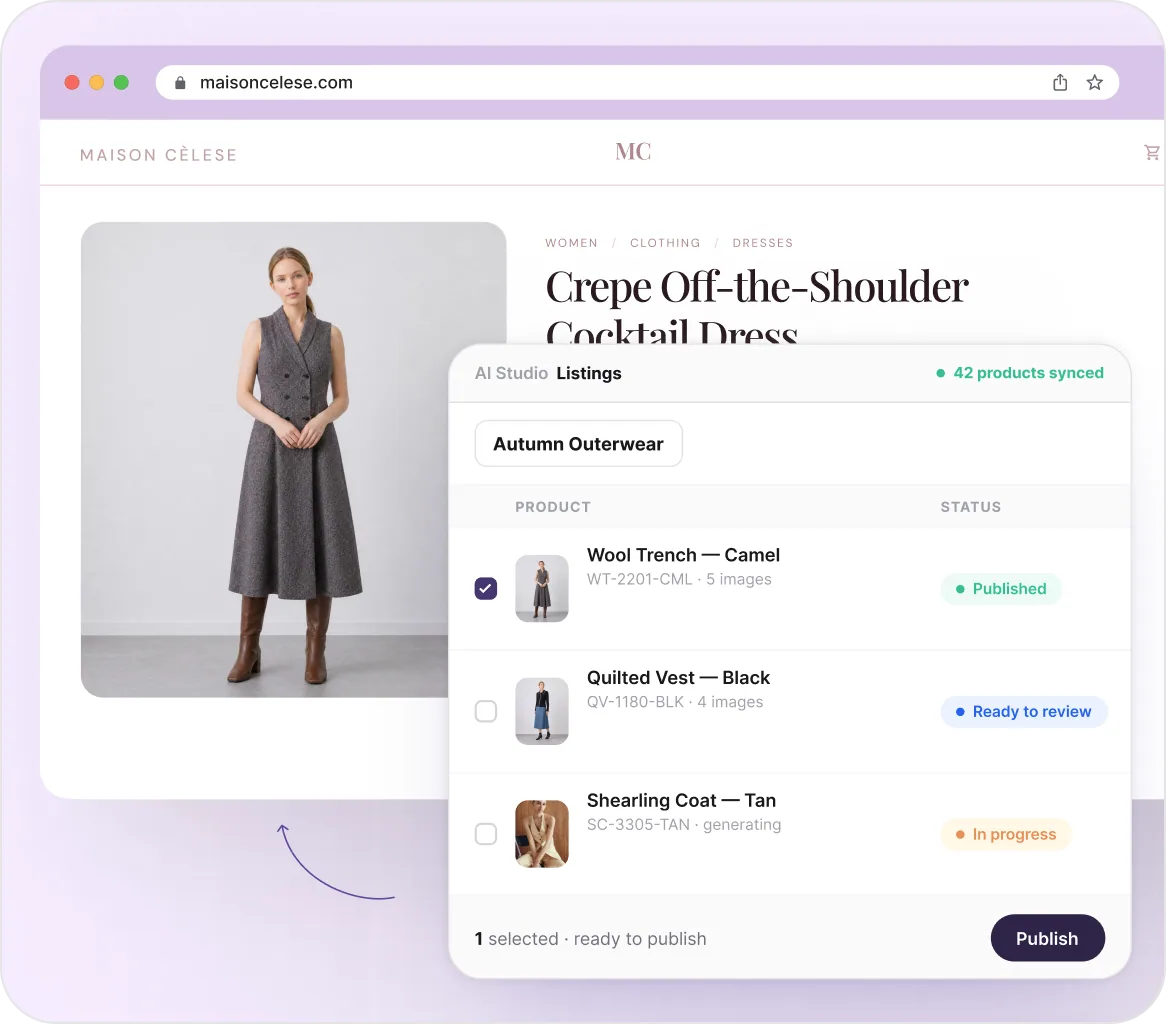
Pick a collection, run a workflow, and every product gets its shot. Review what comes back, choose where it lands, and publish. Nothing reaches your storefront until you approve it.
Trusted by 4000+ brands, globally





How It Works
Pick a collection. Publish it live.
Three steps, and every product knows exactly where it stands.
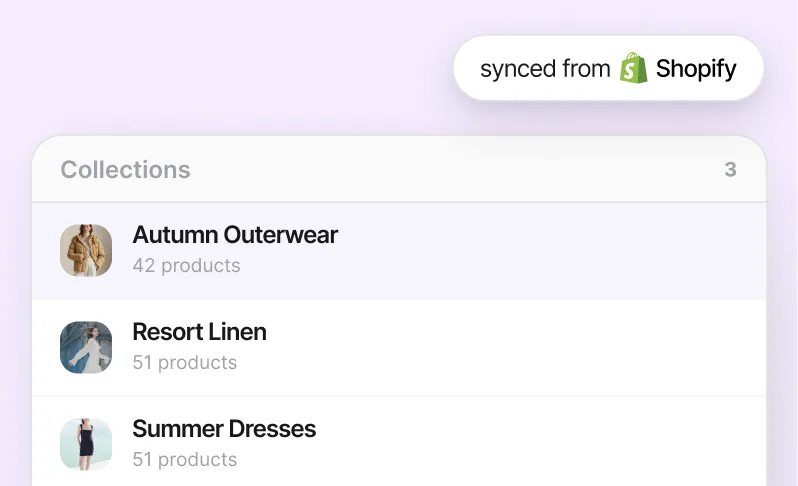
Pick a collection
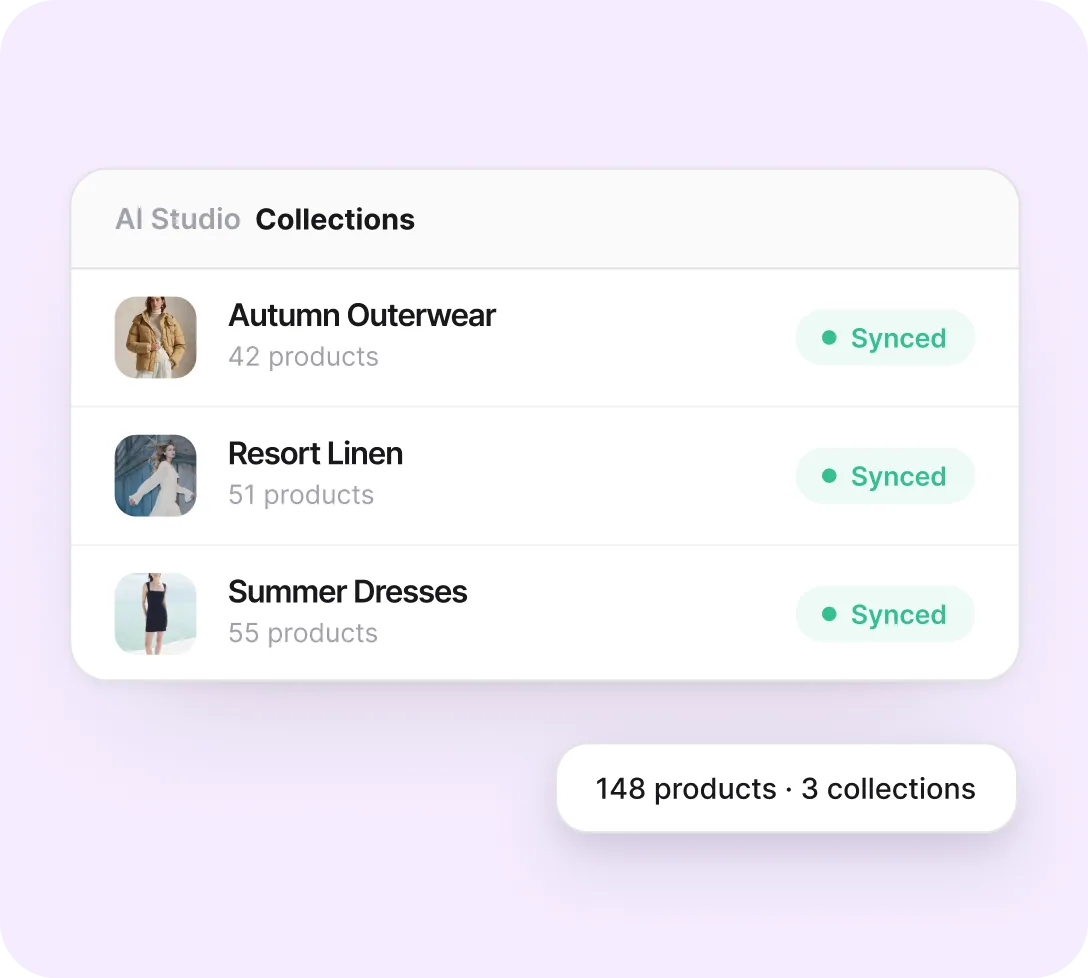
Your Shopify catalog syncs automatically, so collections and products are always current — pick one and every product inside it is ready to go.
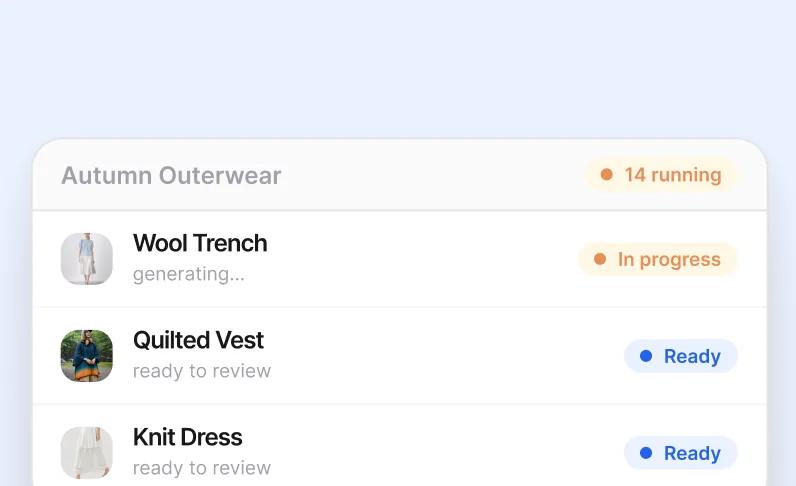
Run a workflow on the batch
Choose a workflow and generate images for the whole collection at once. Every card shows exactly where it stands as it moves through.
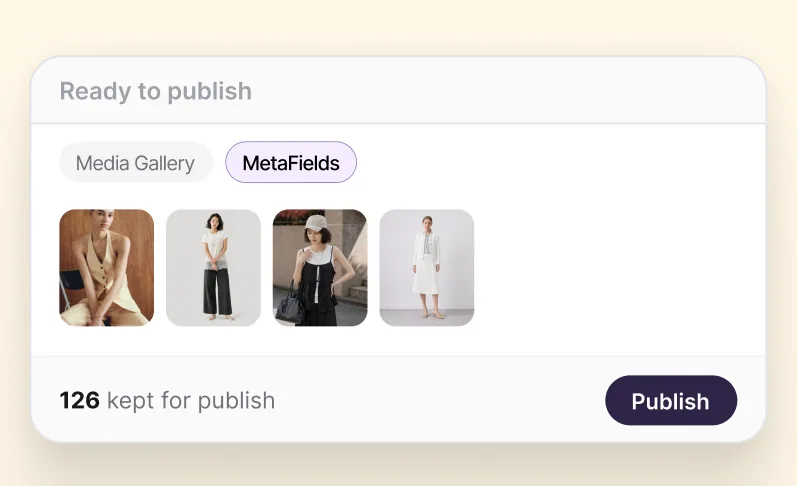
Review, publish, done
Drop what's off, set the order, and publish to the gallery, metafields, or both. Nothing reaches your storefront until you say so.
Generation is half the job. This is the other half.
Everything between "AI Studio finished a batch" and "it's correct on the product page."
Your catalog, always current
Collections and products sync from Shopify automatically — nothing to export, nothing to re-import when you add a new style. Pick any collection and every product inside it is ready for a workflow.
Brands use this for
Skipping CSV exports and re-imports
Trusting the collection matches what's live
Starting a workflow the moment a style lands
Give your best-sellers a new occasion
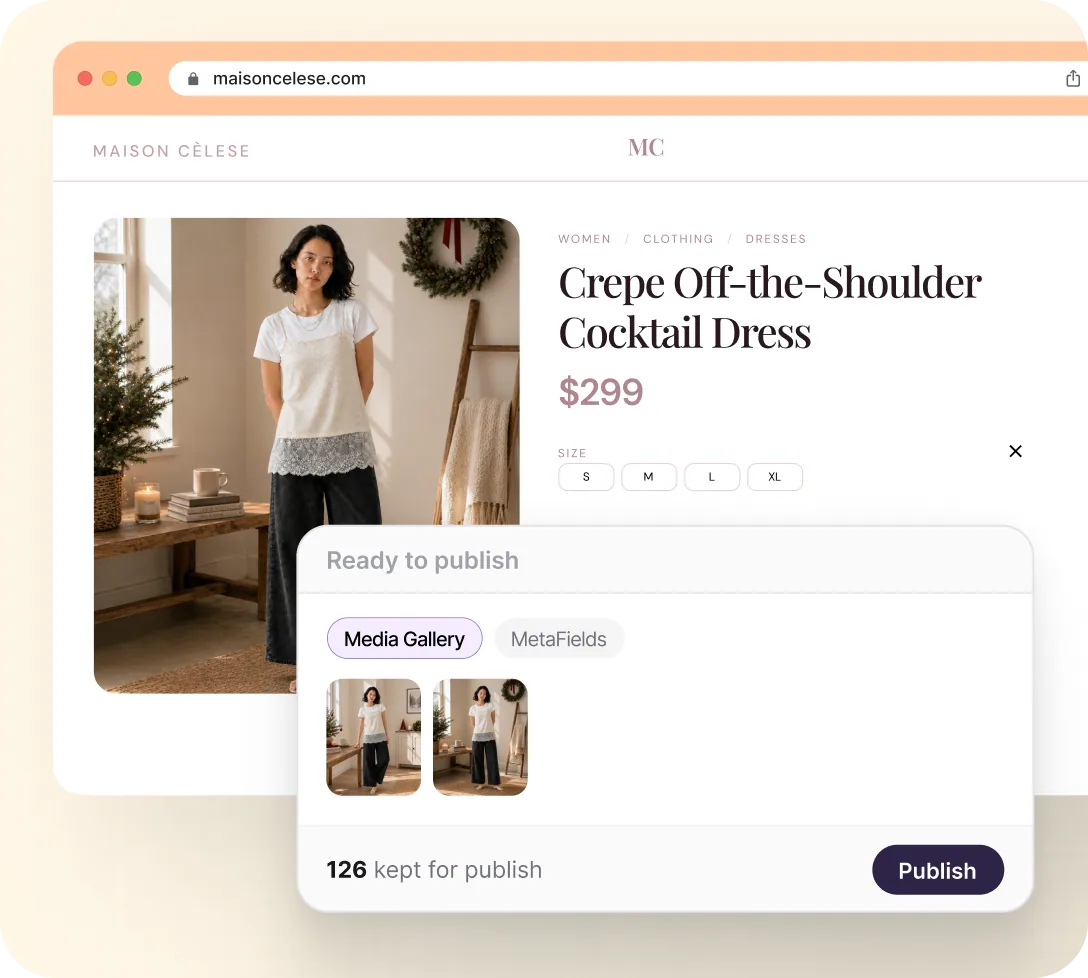
Take the products that already convert and generate fresh, occasion-ready imagery — a Christmas set, a festive edit, whatever's next — then publish it straight to the same listings. No new shoot, no new SKUs.
Brands use this for
Restyling last year's best-sellers for festive occasions
Publishing seasonal sets without new SKUs
Swapping looks back once the season ends
One accessory, styled across every outfit
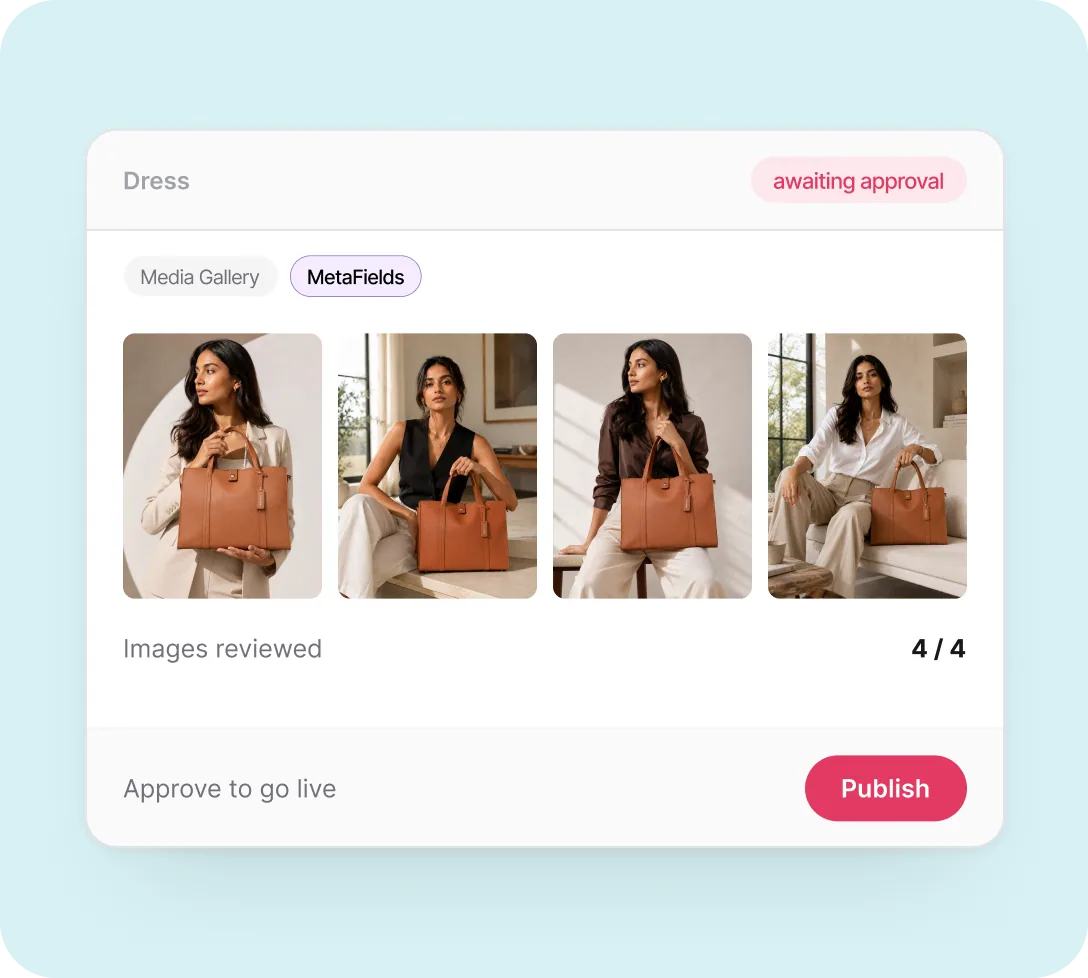
A bag or scarf's own gallery should show the product clearly. Metafields can hold the rest — the same accessory paired with three or four different outfits, ready for the product page without crowding the primary gallery.
Brands use this for
Adding outfit pairings to metafields, not the gallery
Keeping the hero shot clean on every accessory
Giving shoppers styling ideas, no new photoshoot
AND THERE'S MORE


