
Let your videos answer shoppers.
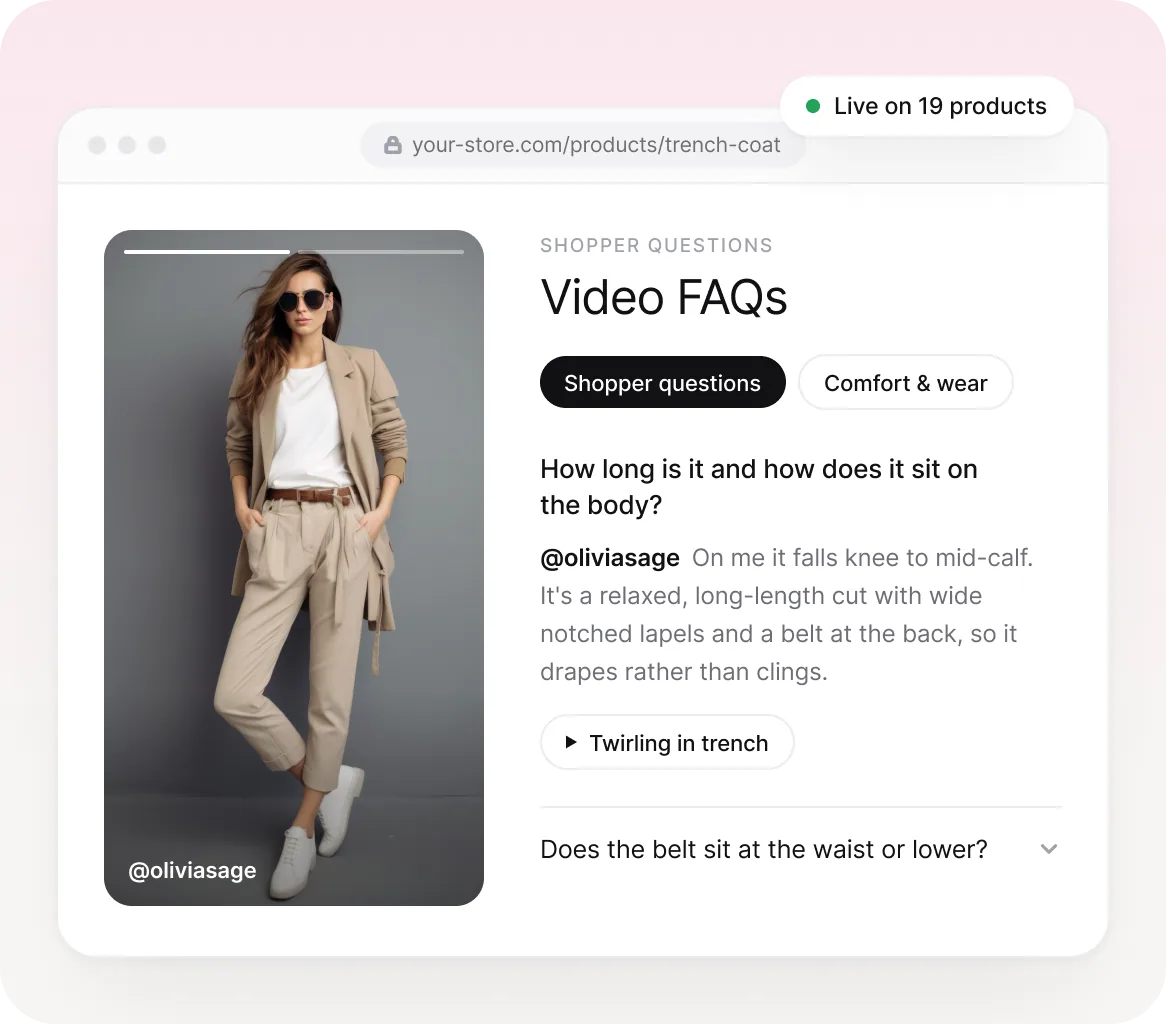
Whatmore reads the videos tagged to each product and turns them into a short FAQ on its page. Every answer opens the exact clip that shows it, with nothing to write by hand.
Trusted by 4000+ brands, globally





HOW IT WORKS
Three steps,
then it runs itself.
Set it up once from Product pages. New videos and tag changes keep every answer current on their own.
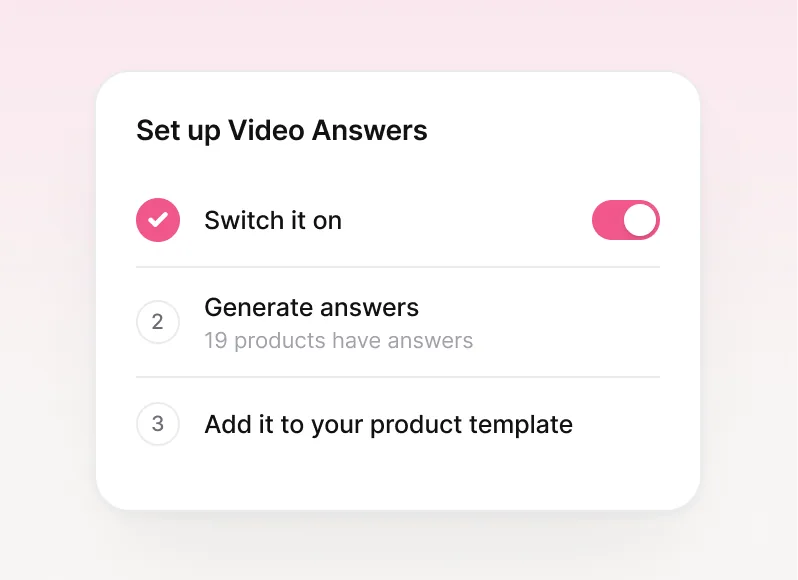
Switch it on
Open Video Answers under Product pages and turn it on. Switch it off later and every section and answer is kept.
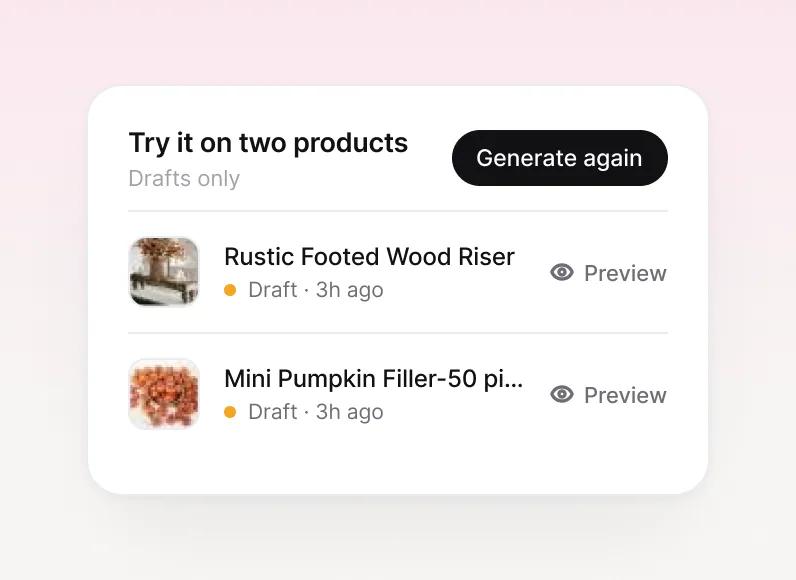
Generate answers
Try drafts on two products, then publish to every product with at least two tagged videos.
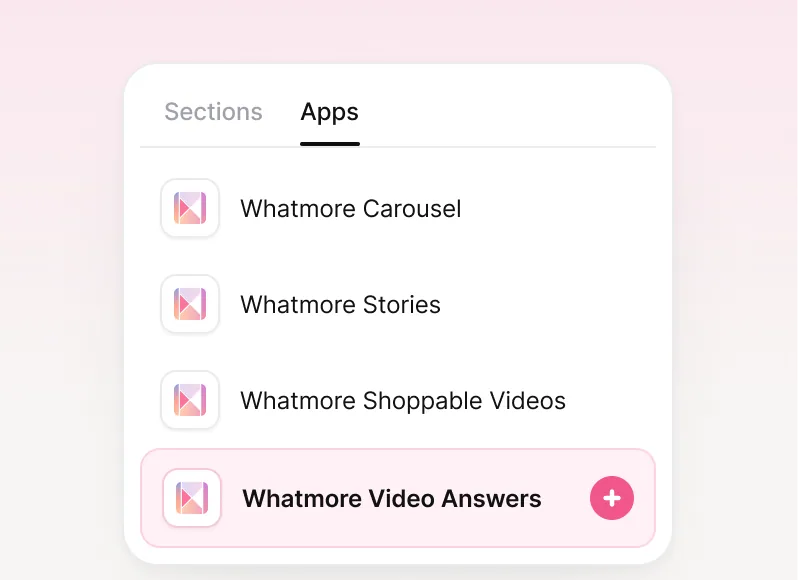
Add it to your template
Drop the Whatmore Video Answers block into your product template once. Title, spacing and look stay on the dashboard.
WHY IT WORKS
An FAQ that proves every answer.
Questions from your videos, answers from the clips, and a look that matches your store.
Backed by the clip
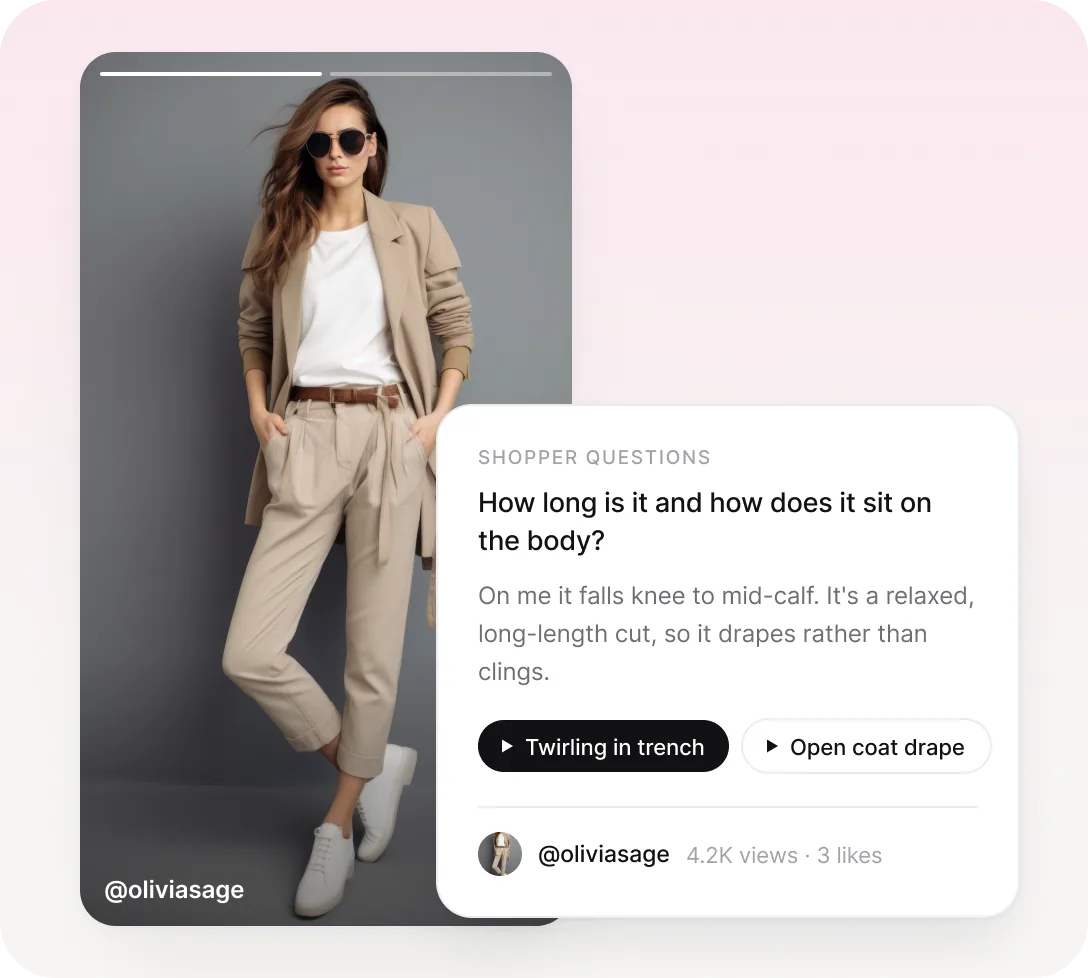
Every answer opens its clip
Whatmore watches every video tagged to a product, from reels and uploads to creator videos, and writes the questions shoppers ask. Answers only say what the clips show, and each one plays the moment that proves it.
What you get
- Questions written from your own videos
- One tap from answer to the exact clip
- Hidden on products with no answers yet
Sections that fit
Pick the themes shoppers care about
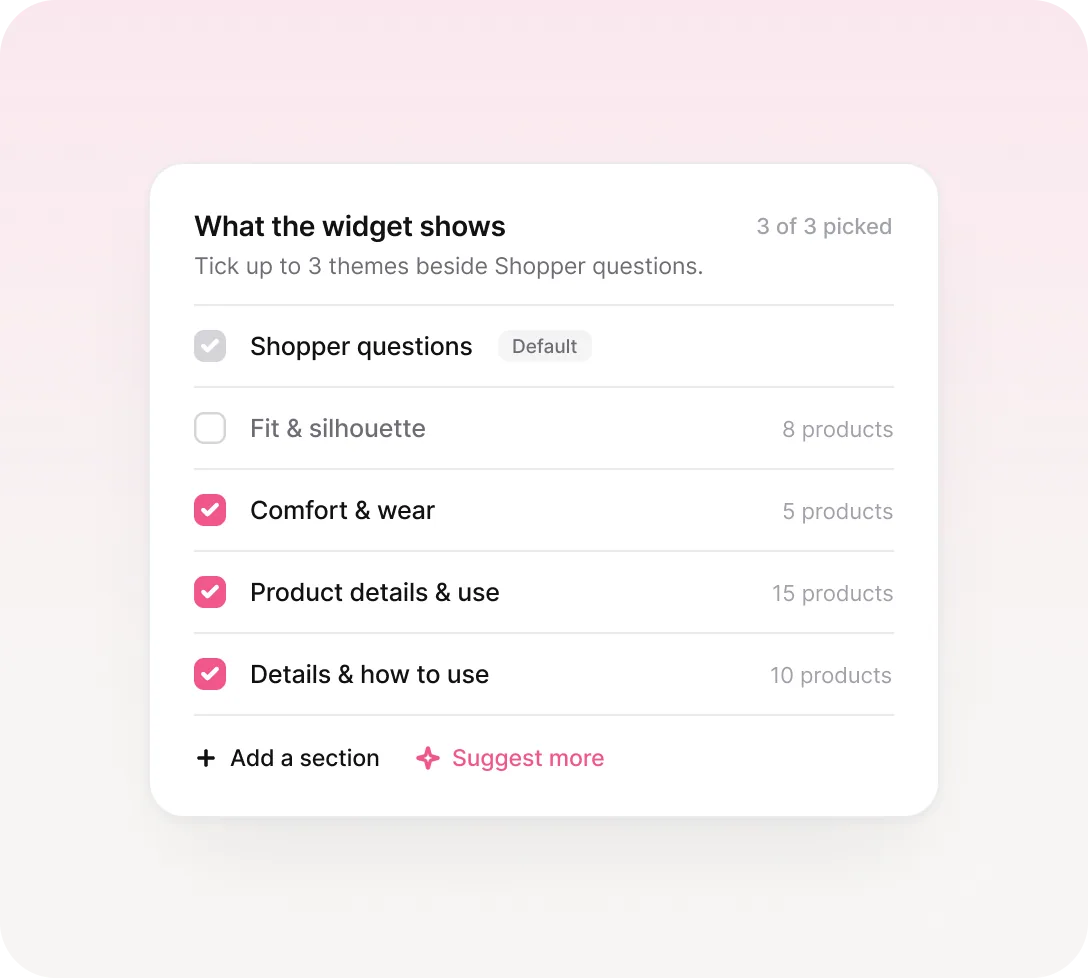
Shopper questions is always on. Tick up to three themes beside it, like Fit and sizing or How to use, or let Suggest more read your videos for ideas. A theme only shows where the videos cover it.
How it works
- Up to three themes of your own
- Suggest more finds themes in your videos
- Rename a theme to change its heading
Your voice
Choose who does the talking
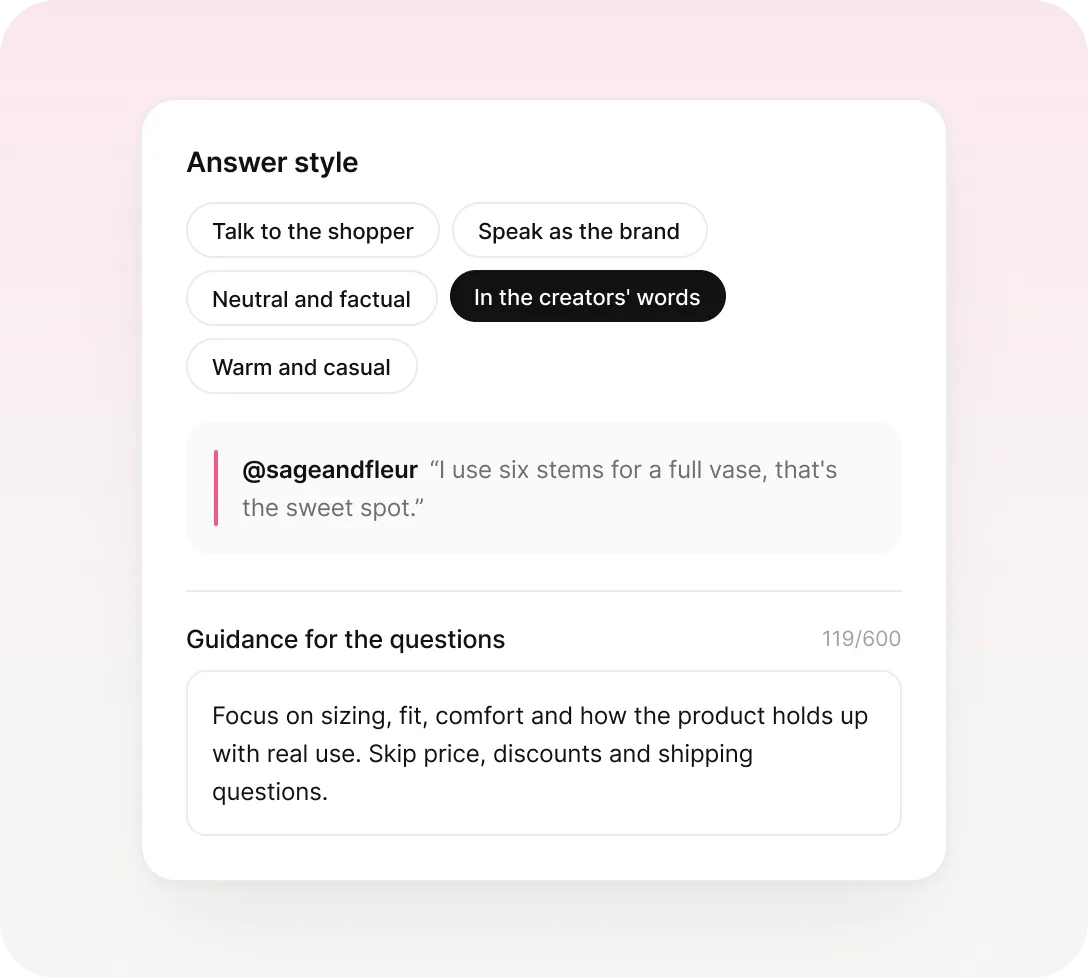
Answers can talk to the shopper, speak as the brand, stay neutral, keep it warm and casual, or quote your creators. Add guidance on what to focus on or skip. No answer claims more than the videos show.
Brands use this for
- 5 answer styles, including creators' words
- Optional guidance in your own words
- No claims the videos don't support
Draft, then publish
Preview first, then go live
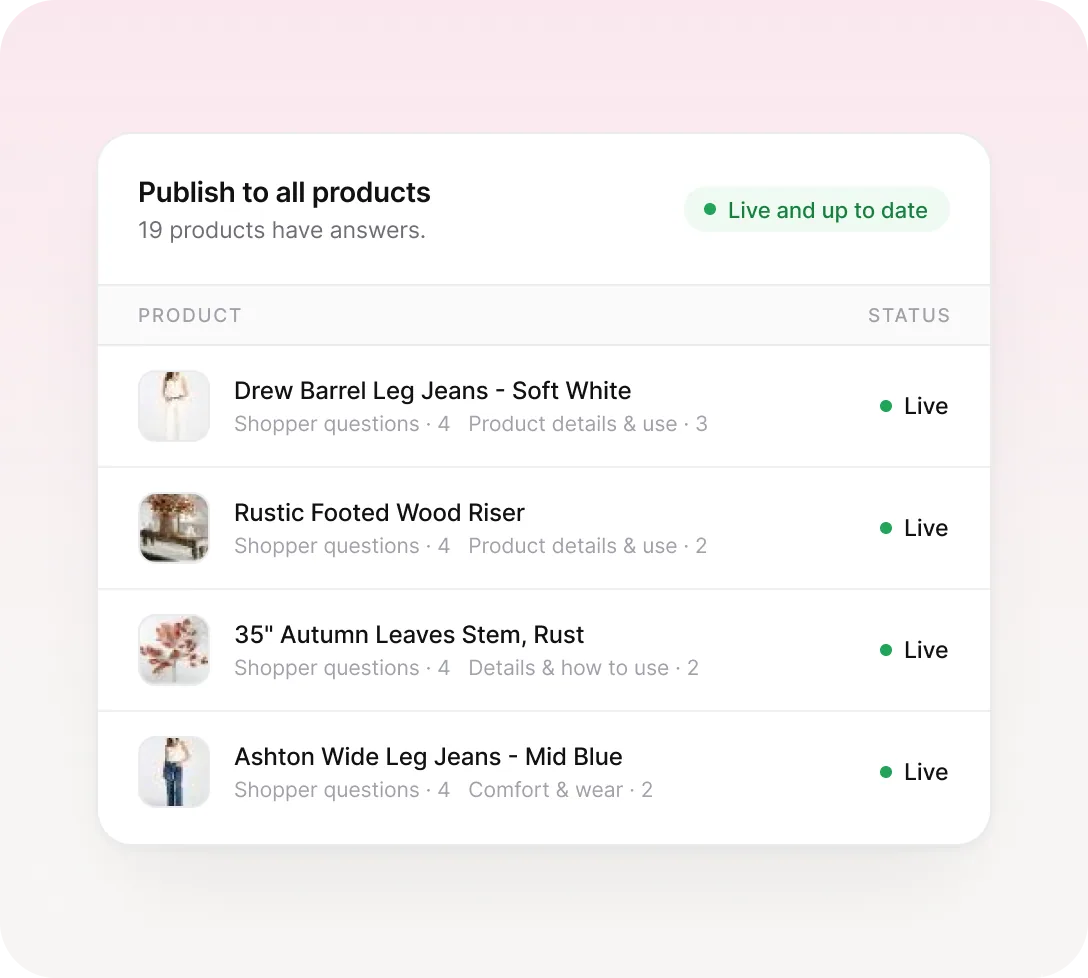
Generate drafts on two products and preview them exactly as shoppers will. When they read right, publish to every product in the background and watch each one turn Live.
What you get
- Drafts never touch your live store
- Live, Outdated and No answers at a glance
- Hide answers on any single product
Matches your store
Styled on the dashboard, not the theme
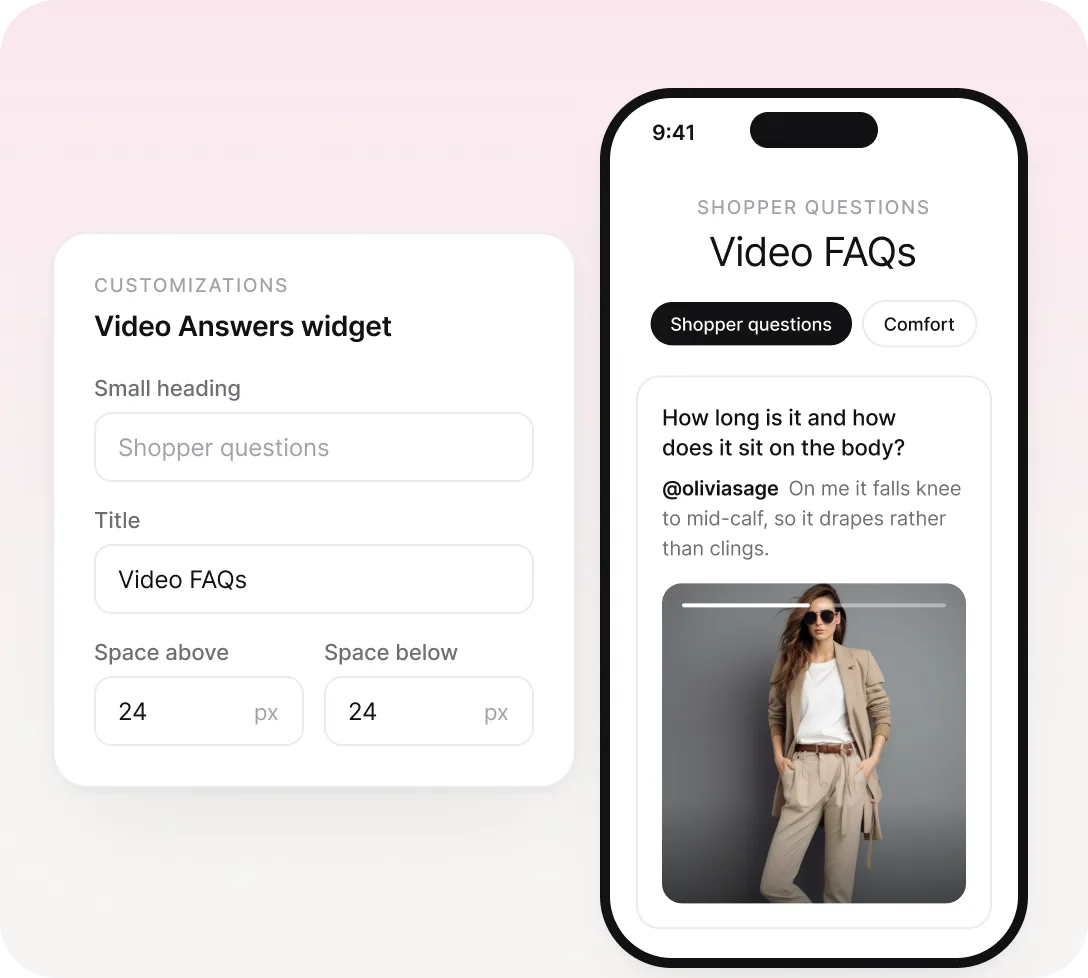
Pick a skin, set the small heading and title, and tune spacing and width with a live phone preview. The theme block has no settings, so changes reach your store within a minute.
What you get
- Ready-made skins for the widget
- Live mobile and desktop preview
- No empty gap where there's nothing to show
Stays current on its own.
Tag a new video to a product, or remove one, and its answers refresh automatically. You only regenerate when you change sections, style or guidance.
AND THERE’S MORE


